How Platform Engineers Use Claude AI for DevOps
Discover how platform engineers and SREs are using Claude AI to troubleshoot Kubernetes, automate DevOps workflows, modernize infrastructure as code, and accelerate incident response.
It is 3:14 AM.
The pager goes off.
A critical microservice is returning 502 errors. Latency is climbing. Kubernetes events are flooding your terminal. Prometheus dashboards are turning red faster than anyone would like.
A few years ago, the response would have been predictable:
Open logs.
Run endless grep commands.
Dig through documentation.
Search old tickets.
Hope somebody solved the same issue before.
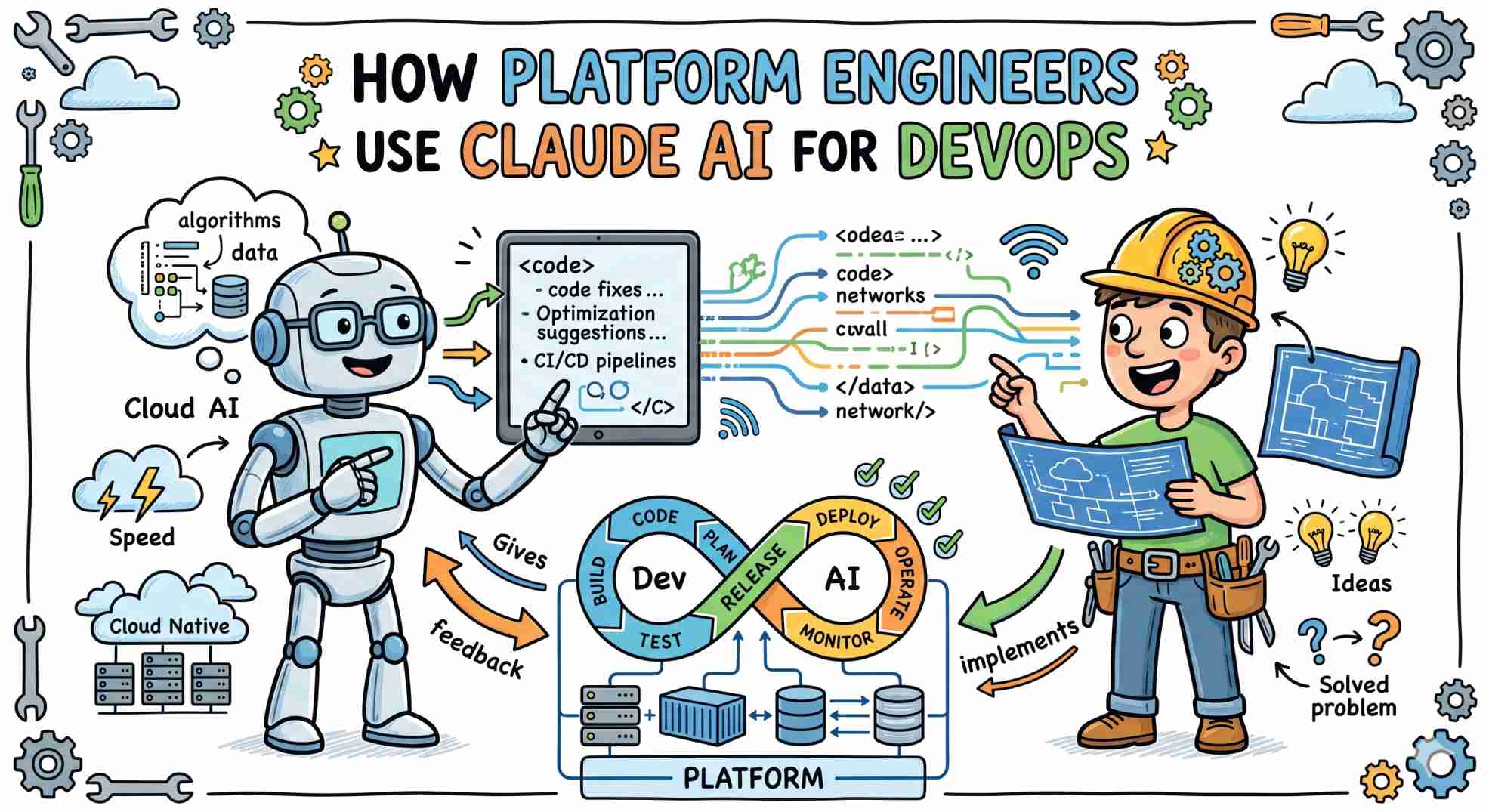
Today, many platform engineers and SREs are adding a new tool to the incident-response toolkit: AI.
Among the growing number of AI assistants available, Claude AI has gained significant traction within infrastructure teams because of its ability to analyze large amounts of technical context, reason through complex configurations, and explain failures in structured ways.
The result is not autonomous operations.
The result is faster troubleshooting, faster learning, and faster infrastructure delivery.
Why AI Is Becoming Part of the DevOps Workflow
Modern cloud-native environments generate enormous amounts of operational data.
Engineers must constantly work across:
- Kubernetes manifests
- Terraform modules
- CI/CD pipelines
- Application logs
- Monitoring dashboards
- Security policies
- Infrastructure documentation
The challenge is no longer finding data.
The challenge is understanding it quickly.
AI assistants help by acting as infrastructure reasoning engines.
Instead of manually connecting dozens of pieces of information, engineers can provide logs, manifests, telemetry, and configuration files together and receive structured analysis within seconds.
This significantly reduces the time required to investigate common operational problems.
Why Infrastructure Teams Are Using Claude AI
Infrastructure engineering is less forgiving than application development.
A hallucinated marketing sentence is harmless.
A hallucinated Kubernetes parameter can cause production outages.
Many platform teams favor Claude because it performs well when working with large technical contexts and structured configuration files.
Common strengths include:
| Task | Traditional Approach | AI Assisted Approach |
|---|---|---|
| Log Analysis | Manual regex searches and pattern matching | Semantic analysis across large and unstructured log datasets |
| IaC Generation | Copying, updating, and validating old templates | Context-aware infrastructure configuration generation |
| CI/CD Debugging | Trial-and-error troubleshooting | Rapid identification of pipeline failures and root causes |
| Documentation Analysis | Manual repository and documentation searches | Cross-repository reasoning and intelligent summarization |
| Legacy Migration | Line-by-line code refactoring | Assisted modernization while preserving business logic |
The real advantage comes from context.
Instead of examining individual files separately, AI can analyze entire infrastructure workflows as connected systems.
Using AI to Troubleshoot Kubernetes and CI/CD Pipelines
One of the most common DevOps frustrations is debugging deployment pipelines.
A small syntax mistake inside:
- GitHub Actions
- GitLab CI
- Jenkins
- Tekton
- Argo Workflows
can delay deployments for hours.
AI assistants are particularly effective at identifying:
- YAML formatting issues
- Incorrect environment variables
- Missing dependencies
- Broken workflow logic
- Permission misconfigurations
Rather than repeatedly committing minor fixes, engineers can often identify the root cause before the next pipeline run.
AI for Infrastructure as Code Modernization
Infrastructure code ages quickly.
Cloud providers introduce new APIs.
Terraform providers deprecate resources.
Module structures evolve.
Over time, technical debt accumulates across hundreds or thousands of infrastructure files.
AI can accelerate modernization projects by:
- Updating Terraform configurations
- Refactoring legacy automation scripts
- Converting Bash workflows into Python
- Generating updated variable definitions
- Explaining deprecated resources
This reduces repetitive migration work while allowing engineers to focus on architecture decisions.
A Practical AI Incident Response Workflow
The most effective infrastructure teams do not use AI as an automated operator.
They use it as a reasoning assistant.
A practical workflow looks like this:
1. Gather Context
Collect:
- Error logs
- Kubernetes events
- Deployment manifests
- Monitoring data
- Relevant configuration files
Remove secrets, API keys, and sensitive information.
2. Request Structured Analysis
Instead of asking:
"Why is this broken?"
Use structured prompts such as:
"Act as a Principal SRE. Analyze the following incident data, identify the most likely root cause, and provide three remediation options ranked by risk."
Structured inputs typically produce more useful outputs.
3. Validate Before Execution
Never copy commands directly into production.
Always:
- Verify CLI flags
- Review generated configurations
- Test in staging environments
- Confirm assumptions independently
AI should accelerate decision-making, not replace engineering judgment.
The Risks of AI-Assisted Operations
AI can improve productivity significantly, but it introduces new operational risks.
Hallucinated Commands
Models occasionally generate invalid CLI arguments or combine syntax from different tool versions.
Every command must be reviewed before execution.
Missing Infrastructure Context
AI cannot see your environment.
It only understands what you provide.
Important architectural constraints may be invisible to the model.
Sensitive Data Exposure
Organizations must establish clear policies regarding:
- Infrastructure data
- Internal documentation
- Secrets management
- API usage
Sensitive operational information should never be shared without appropriate controls.
Automation Without Understanding
The most dangerous outcome is blindly applying generated fixes without understanding the underlying problem.
Engineers should always prioritize learning over automation.
Why AI Will Not Replace Platform Engineers
AI excels at:
- Pattern recognition
- Log analysis
- Configuration generation
- Documentation summarization
Platform engineers excel at:
- Architectural decisions
- Risk assessment
- Security governance
- Business tradeoffs
- Production accountability
The future is not AI replacing DevOps.
The future is DevOps teams using AI to eliminate repetitive work and focus on higher-value engineering tasks.
Frequently Asked Questions
Can AI help with Kubernetes troubleshooting?
Yes. AI can analyze logs, manifests, events, and telemetry data to identify potential root causes and remediation steps faster than traditional manual investigation.
Is Claude AI useful for DevOps engineers?
Many infrastructure teams use Claude for troubleshooting, Infrastructure as Code generation, documentation analysis, and CI/CD pipeline debugging.
Can AI replace Site Reliability Engineers?
No. AI assists with operational tasks but cannot replace architectural judgment, accountability, security reviews, and production decision-making.
What are the risks of using AI in DevOps?
Key risks include hallucinated commands, incomplete infrastructure context, sensitive data exposure, and overreliance on generated outputs.
How should platform teams safely use AI?
Use AI for analysis and recommendations, validate all outputs independently, and never execute generated commands directly in production environments.
Final Thoughts
AI is becoming another tool in the platform engineering toolbox.
Used correctly, it can reduce troubleshooting time, simplify infrastructure maintenance, and accelerate operational workflows.
Used carelessly, it can automate mistakes at unprecedented speed.
The most successful engineering teams will not be those that replace people with AI.
They will be the teams that combine human judgment with AI-assisted efficiency.
"AI won't replace your on-call engineer. It will just make the 3:14 AM page a little less painful."