The 8GB Time Machine: How Git Fits 20 Years of History into Your Pocket
How does Git fit 20 years of history into 8GB? Discover the content-addressable storage, deduplication, and compression behind Git’s efficiency.
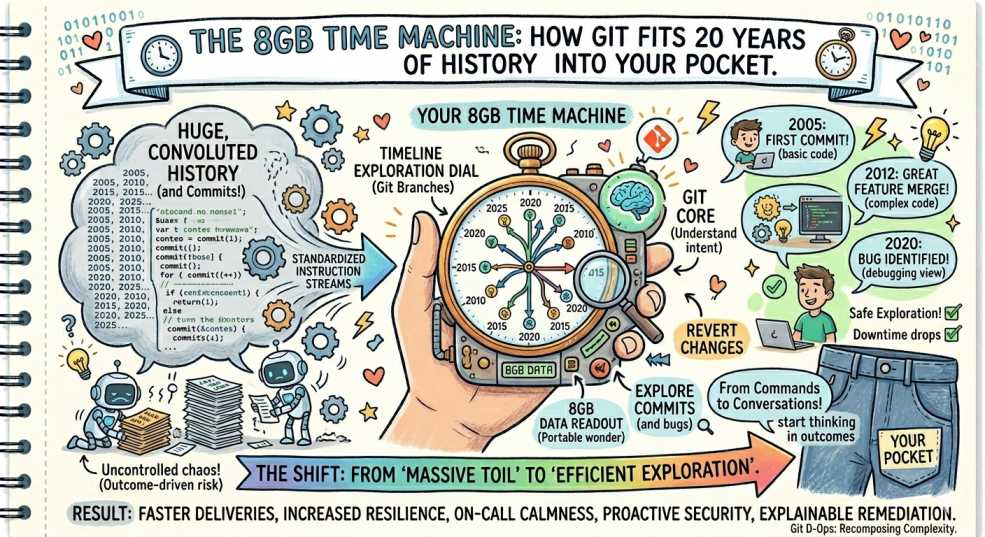
The crew at DevOps Inside is used to seeing storage costs spiral out of control. Between Prometheus metrics, ELK logs, and that one "test" S3 bucket someone forgot to delete in 2022, we’re conditioned to expect "Big Data" to mean "Big Storage." 📦
But then there’s the Linux kernel.
It’s the monolith of all monoliths. 1.4 million commits. Two decades of engineering. If you asked a junior dev how much space that takes on disk, they’d probably guess 200 GB and start provisioning a new EBS volume.
The reality? The entire repository, every single version of every file since 2005, is about 8 GB. That’s smaller than a 4K movie. 🎬
How does Git pull off this 20-year magic trick? Let’s crack open the .git folder. 🔍
If you’ve spent any time in the trenches of SRE, you know that "efficiency" is usually just a fancy word for "not doing the same work twice." Git lives by this principle. ⚙️
The Big Lie: It’s Not About Diffs
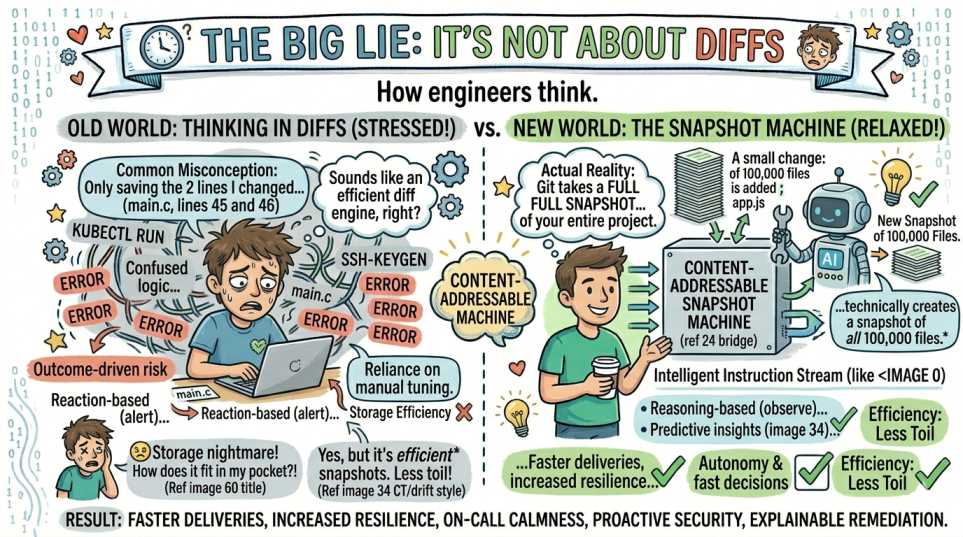
Most people think Git is a "diff engine." They imagine Git saving the two lines you changed in that main.c file.
Wrong. Git is actually a content-addressable snapshot machine.
Every time you commit, Git takes a full snapshot of your entire project. If your project has 100,000 files and you change a single semicolon, Git technically creates a snapshot of all 100,000 files.
That sounds like a storage nightmare. 😵
The Hash Magic (CAS)
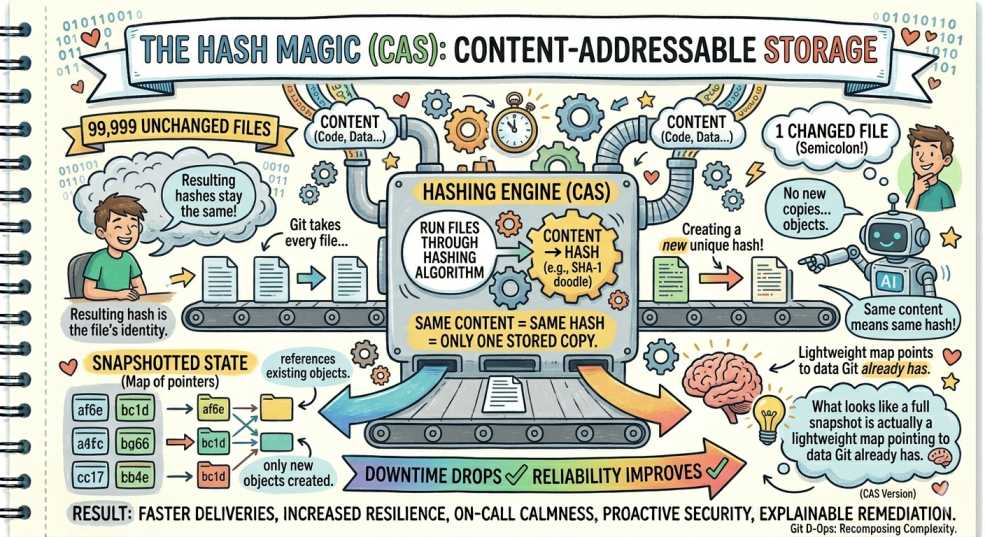
This is where things get interesting. Git uses content-addressable storage.
Git takes every file and runs it through a hashing algorithm. The resulting hash becomes the file’s identity. If you have 99,999 files that didn’t change, their hashes stay the same.
Git doesn’t create new copies. It simply references the existing objects.
Same content means same hash, which means only one stored copy. What looks like a full snapshot is actually a lightweight map pointing to data Git already has. 🧠
Delta Compression: The Deep Squish
Git doesn’t stop at deduplication. It periodically runs garbage collection and creates packfiles.
Here’s the clever part. Git compares similar versions of files and stores one complete version, then only stores the differences for the rest. On top of that, everything is compressed.
This is why 20 years of continuous changes in the Linux kernel only add a few extra gigabytes beyond the base code.
The AI Context: Why This Matters Now
Modern AI workflows are starting to take advantage of how Git stores data.
Because Git works with snapshots instead of linear diffs, systems can move across history quickly and efficiently.
When AI systems retrieve context from a repository, they are not scanning raw data blindly. They are navigating Git’s structured graph of objects and relationships. 🔗
This also means only changed pieces need to be reprocessed when indexing codebases, which keeps compute and storage usage efficient.
The Verdict: Git is Still the King of SRE 👑
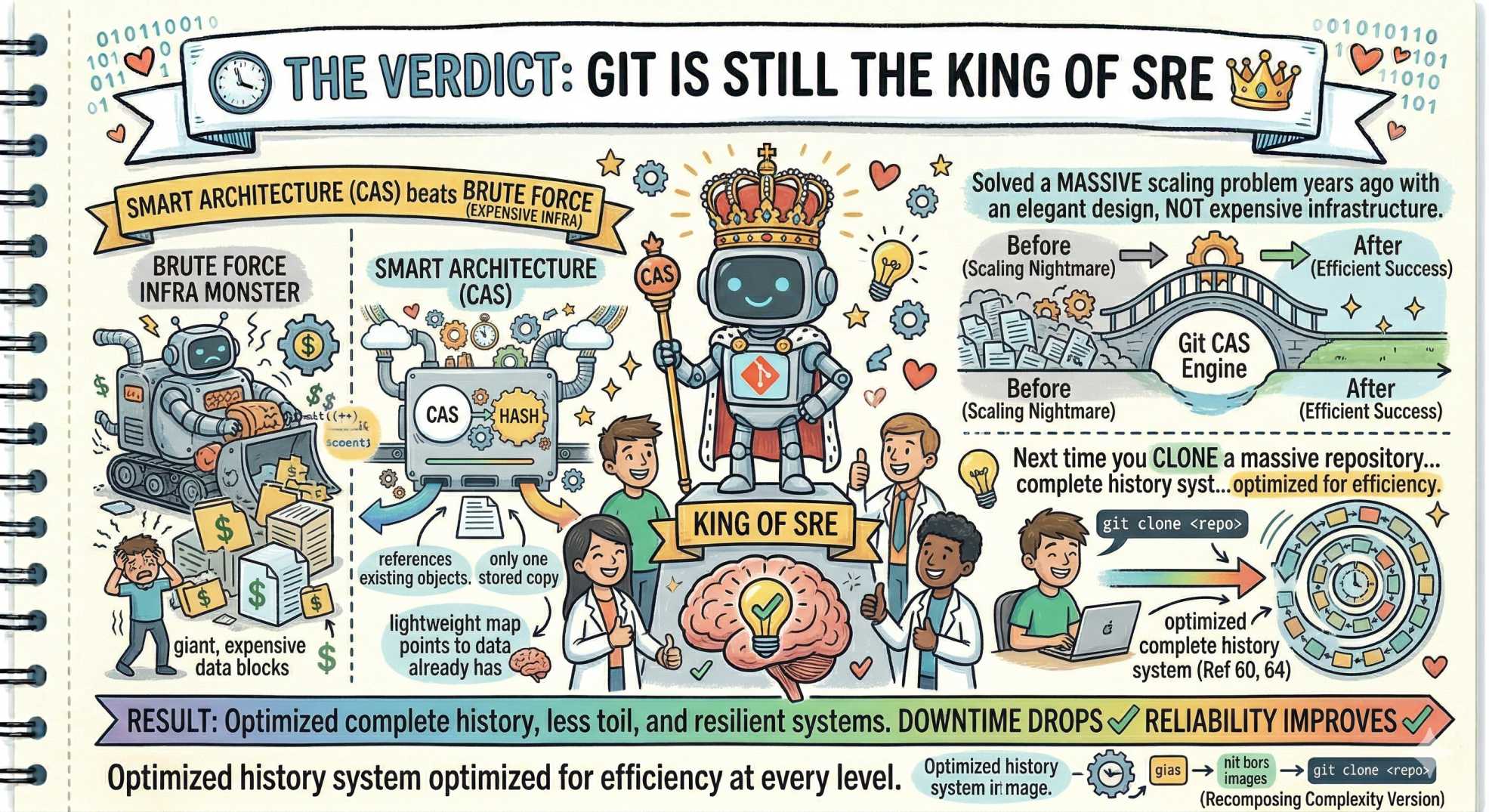
In a world where throwing more storage at problems is the default solution, Git stands out as a reminder that smart architecture beats brute force.
It solved a massive scaling problem years ago with an elegant design, not expensive infrastructure.
Next time you clone a massive repository, remember you’re not just downloading code. You’re pulling down a complete history system that has been optimized for efficiency at every level.
💬 Quick question: What’s the largest repo you’ve ever managed? Did it stay under 10 GB or turn into a storage monster? Let us know in the comments.
“Great engineering isn’t about storing more. It’s about never storing the same thing twice.”