100 Reasons Your Kubernetes Cluster is Crying: Part 1 The Pod-pocalypse
Tired of firefighting in production? Part 1 of this SRE series reveals SLOs, error budgets, and toil: the foundation of reliable, scalable systems.
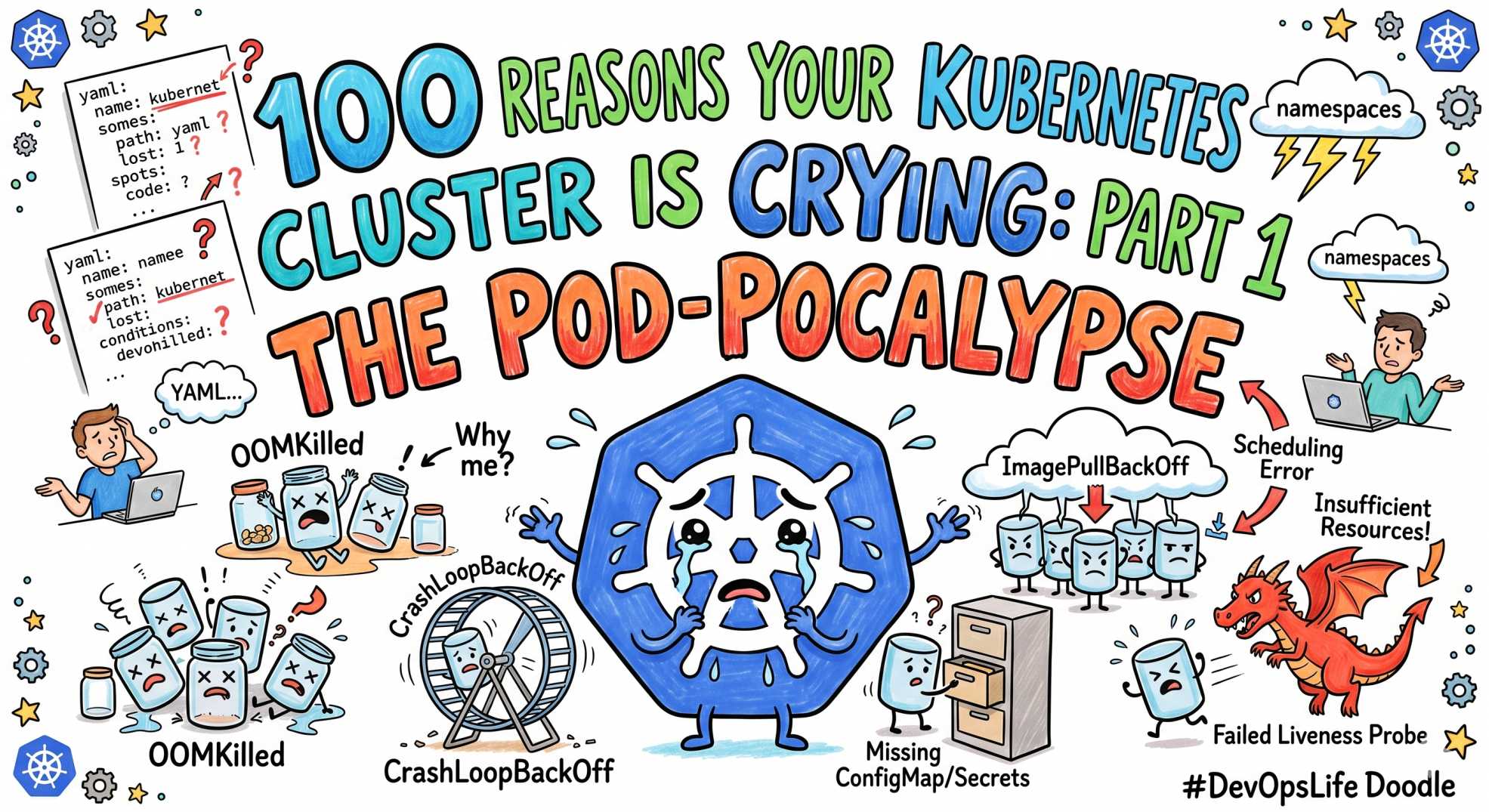
The team at DevOps Inside knows that Kubernetes is essentially a "Choose Your Own Adventure" book where 90% of the endings involve a P0 incident and a very cold cup of coffee ☕.
Following our "From Pipelines to Prompts" series, we’re launching a massive 10-part tactical guide: 100 Reasons Your Kubernetes Cluster is Crying. We’ve compiled 100 of the most soul-crushing errors we've seen in production and turned them into a roadmap for your next on-call shift.
When your cluster is happy, it’s a masterpiece of automation. When it’s angry, it’s a pile of YAML debt screaming for help. Here is Part 1: the first 10 silent killers that turn your pods into ghosts 👻.
The ‘Pod-pocalypse’ 😵💫
At DevOps Inside, we’ve noticed that a "Healthy" status in Kubernetes is often just a polite lie. One minute, your dashboard is a sea of calm green, and the next, you’re staring at a CrashLoopBackOff that seems to have no beginning and no end.
Pod failures are the bread and butter of SRE stress. Let’s look at the first 10 reasons your cluster is secretly sobbing and how to handle them like a pro.
1. CrashLoopBackOff: The Infinite Loop of Sadness 🔁
Your pod starts, crashes, and Kubernetes waits before trying again.
The SRE Reality: Usually, your app is missing a critical environment variable or a database connection string.
The Fix: Stop guessing. Run:
If the app died, it likely left a clue in the previous logs.
2. OOMKilled (Exit Code 137): The Resource Hog 🧠
You set 512Mi, your app wanted 2Gi.
The SRE Reality: The OOMKiller is the bouncer throwing out your container.
The Fix:
If you see Reason: OOMKilled, increase limits or fix memory usage.
3. CreateContainerConfigError: The Missing Ingredient ❌
Your pod is stuck before it even starts.
The SRE Reality: Missing ConfigMap or Secret, or wrong namespace.
The Fix:
Check names carefully. Typos cause hours of pain.
4. RunContainerError: The Locked Door 🔒
The container runtime cannot start your process.
The SRE Reality: Usually a permission issue.
The Fix:
Check securityContext and file permissions.
5. Completed (Exit Code 0): The Premature Exit 🏁
The pod ran and exited successfully... too early.
The SRE Reality: Kubernetes expected a long-running service.
The Fix:
Ensure your app runs in the foreground.
6. SIGTERM (Exit Code 143): The Unheard Plea 📢
Kubernetes asked nicely. Your app ignored it.
The SRE Reality: No graceful shutdown leads to dropped requests.
The Fix:
Handle signals properly or increase terminationGracePeriodSeconds.
7. InitContainerFailure: The Setup Sabotage 🧩
The setup step failed before the app could start.
The SRE Reality: Init container crashed.
The Fix:
8. PostStartHook Failure: The Failed Handshake 🤝
Startup hook failed, container gets killed.
The SRE Reality: Hooks are fragile if dependent on external systems.
The Fix:
Keep hooks simple and reliable.
9. LivenessProbe Failure: The False Flatline 💔
Kubernetes thinks your app is dead.
The SRE Reality: Health check too aggressive.
The Fix:
Increase initialDelaySeconds and tune thresholds.
10. ReadinessProbe Failure: The Stage Fright 🎭
App is alive, but not ready.
The SRE Reality: App still warming up.
The Fix:
Separate readiness from liveness properly.
🤖 The AI Edge: Predicting the Crash
In 2026, we are not just reacting to failures; we are predicting them.
Modern SRE teams are plugging AI agents into logs and metrics streams. Instead of waiting for a crash, the system detects patterns like rising latency or repeated warnings and alerts before failure.
This is the shift from post-mortem to pre-mortem.
⚡ Interactive SRE Challenge
Run this in your cluster right now:
What do you see?
If it’s not “Completed,” one of the 10 issues above is already happening.
The Verdict
Pod failures are not random.
They are signals.
If you read exit codes properly, Kubernetes tells you exactly what’s wrong.
Ignore them, and you debug for hours.
Understand them, and you fix issues in minutes.
💬Quick Question: Which of these 10 has ruined your weekend the most?
Let’s swap war stories in the comments.
“Every failed pod is not a bug. It’s a message. The problem is most teams don’t know how to read it.”