Kubernetes Node Not Ready? Here’s How to Fix It! 🚑
Kubernetes node stuck in NotReady state? Discover the common causes and step-by-step fixes to quickly restore cluster stability and keep your workloads running.

So, your Kubernetes node has decided to go on a coffee break and is showing up as NotReady? Don’t worry, we’ve all been there! In this guide, we’ll dive into why this happens, how to diagnose the issue, and—most importantly—how to fix it.
Start here
kubectl describe node <node> | sed -n '/Conditions/,/Addresses/p'The Ready condition tells you which half of the problem you have. Ready=False means the kubelet is reporting in and saying it is unhealthy — look at the kubelet and the container runtime. Ready=Unknown means the control plane has stopped hearing from the node at all — look at networking, or a dead kubelet.
Let’s get that node back in action! 🚀
When you run:
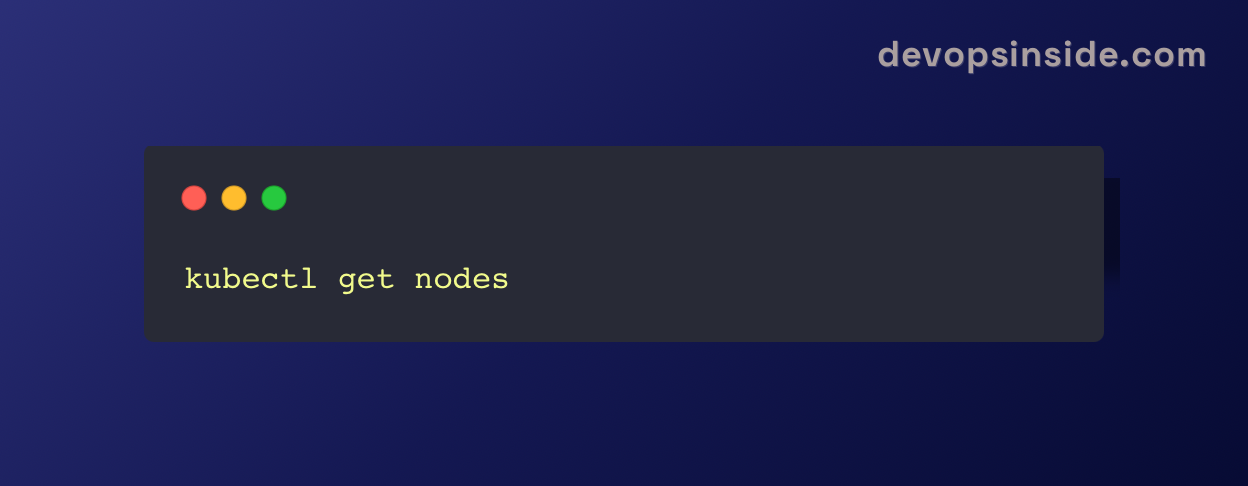
You might see something like this:

🛠️ What’s the Kubelet Up To?
Each node has a kubelet, which is basically the Kubernetes babysitter. It reports on:
• ✅ Whether the container runtime’s network is working
• ✅ If the Container Storage Interface (CSI) is properly set up
• ✅ The health of the container runtime
• ✅ If the node is shutting down
• ✅ Availability of CPU, memory, and pod capacity
If something goes wrong, the control plane marks the node as NotReady and waves a little red flag at you. 🚩
🕵️♂️ Step-by-Step Diagnosis
Run:
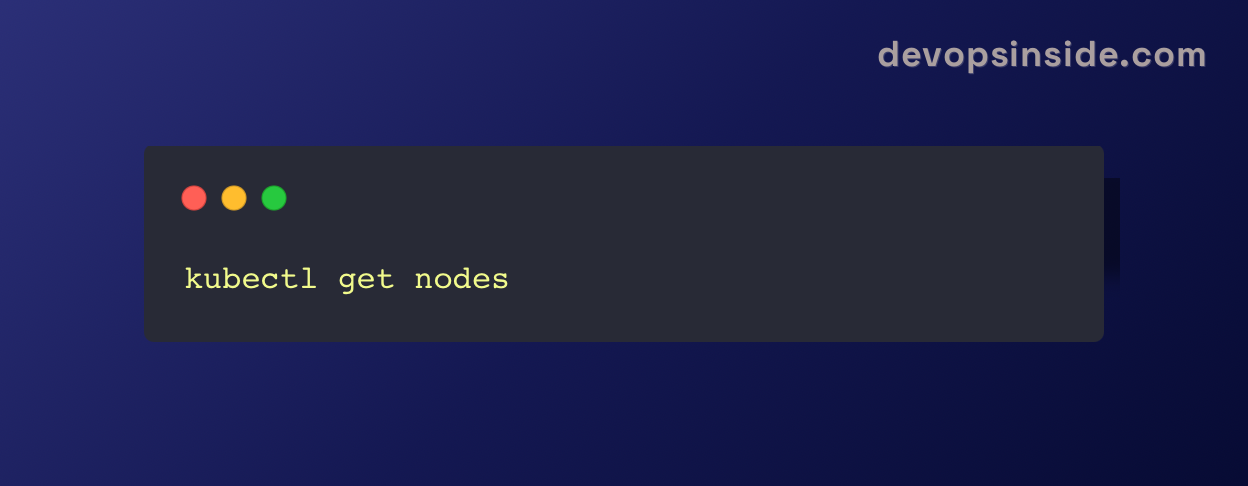
If the node is marked NotReady, we move to the next step.
2️⃣ Get More Details
To understand why it’s NotReady, run:
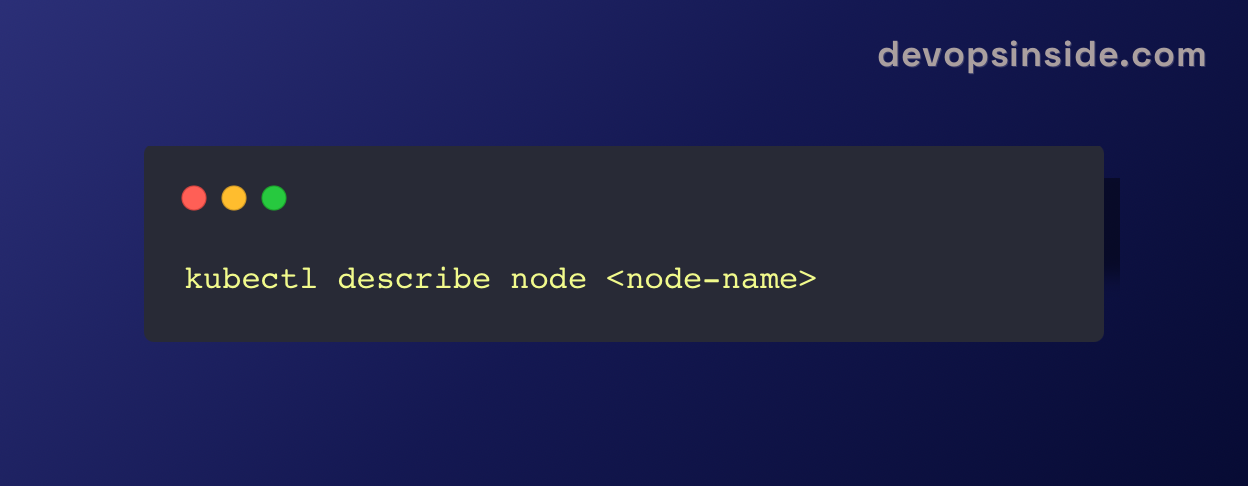
This will tell you:
• MemoryPressure: Node is low on memory
• DiskPressure: Running out of disk space
• PIDPressure: Too many processes running
• Kubelet Not Ready: Something’s up with the kubelet
Example output:
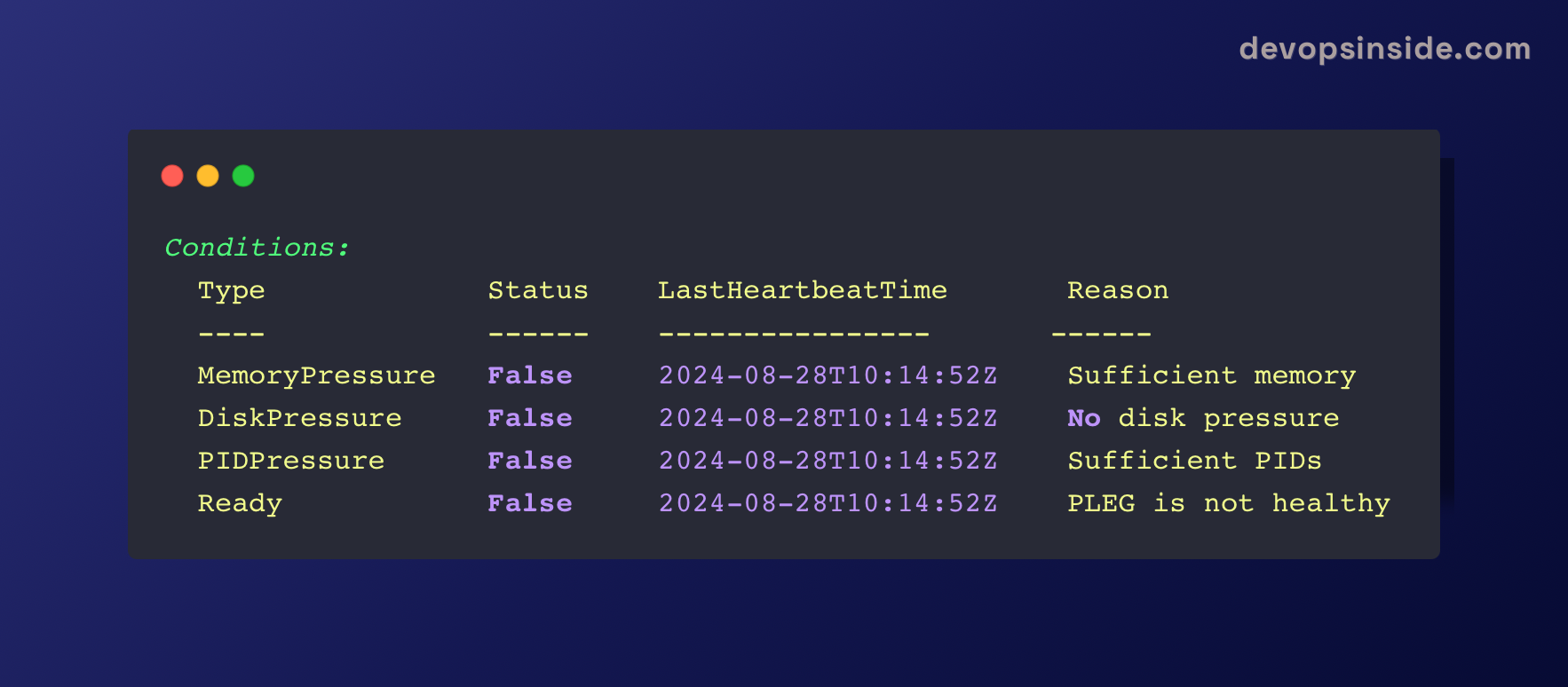
🔴 Issue detected! “PLEG is not healthy.” Time to investigate further!
3️⃣ Check Network Connectivity
Run:
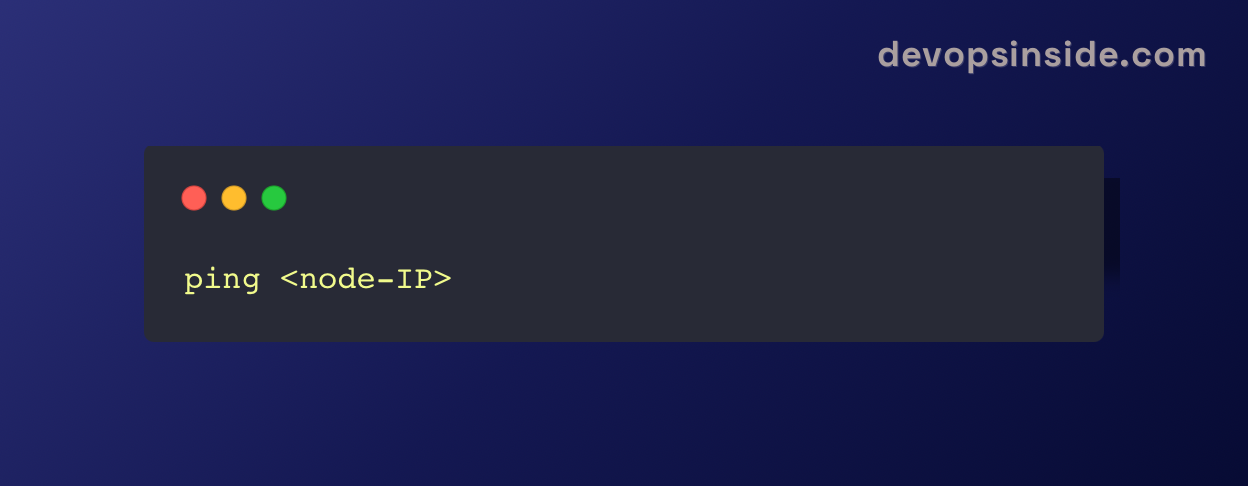
If you see 100% packet loss, then congratulations! You’ve found a network issue. 🎉
4️⃣ Check if Kubelet is Running
On the node itself, run:
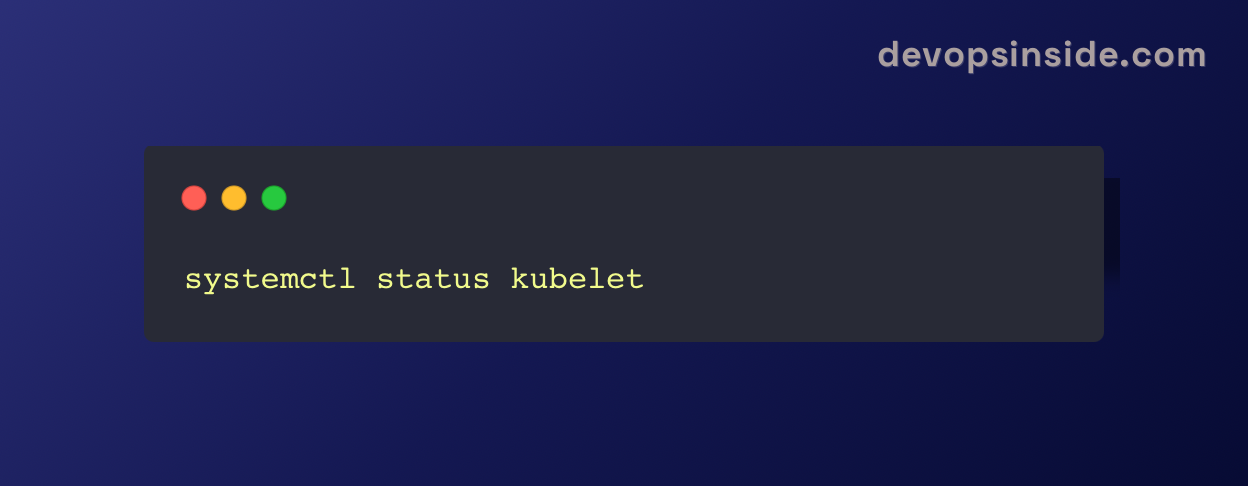
If you see something like this: Active: inactive (dead)
Well, that explains it! Your kubelet is taking a nap. 😴
5️⃣ Check Kube-proxy
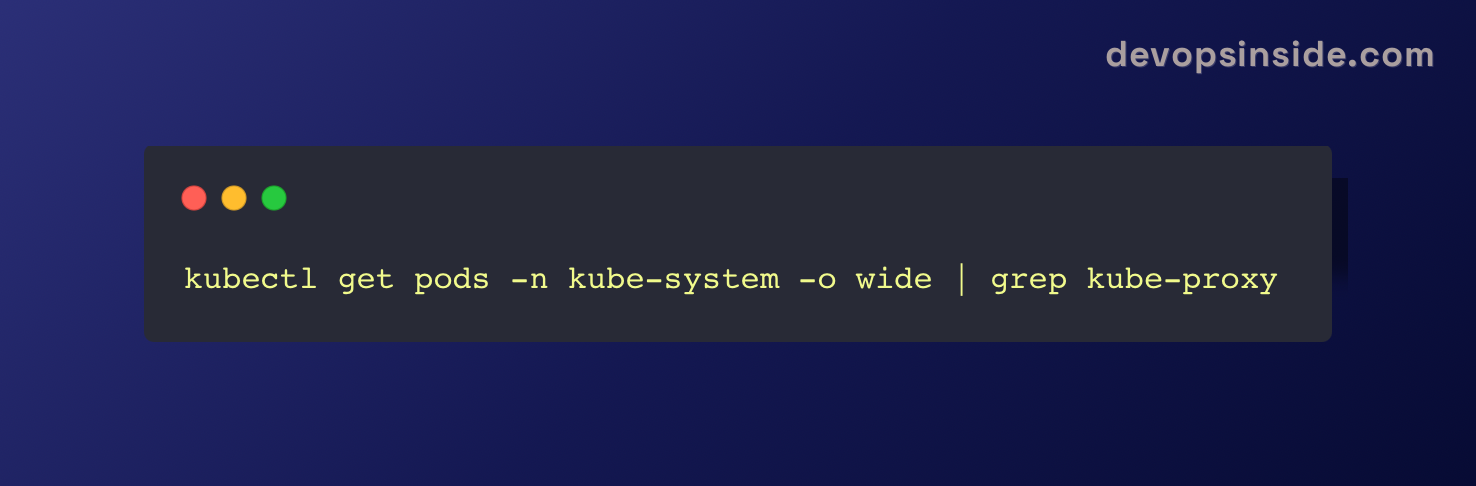
If kube-proxy is stuck in CrashLoopBackOff, it might be causing connectivity issues.
🛠️ Fixing the NotReady Node
Now, let’s bring your node back to life! ⚡
🏗️ 1. Fix Resource Issues
• Increase Resources: Scale up the node or optimize pod requests/limits
• Monitor & Clean: Run top or htop to identify resource hogs
• Clear Disk Space: Remove unused images and logs
🔄 2. Restart the Kubelet
If kubelet is dead, revive it with:

If it refuses to wake up, check logs: sudo cat /var/log/kubelet.log
🔌 3. Fix Network Issues
• Check firewall rules: Ensure necessary ports are open
• Test connections:
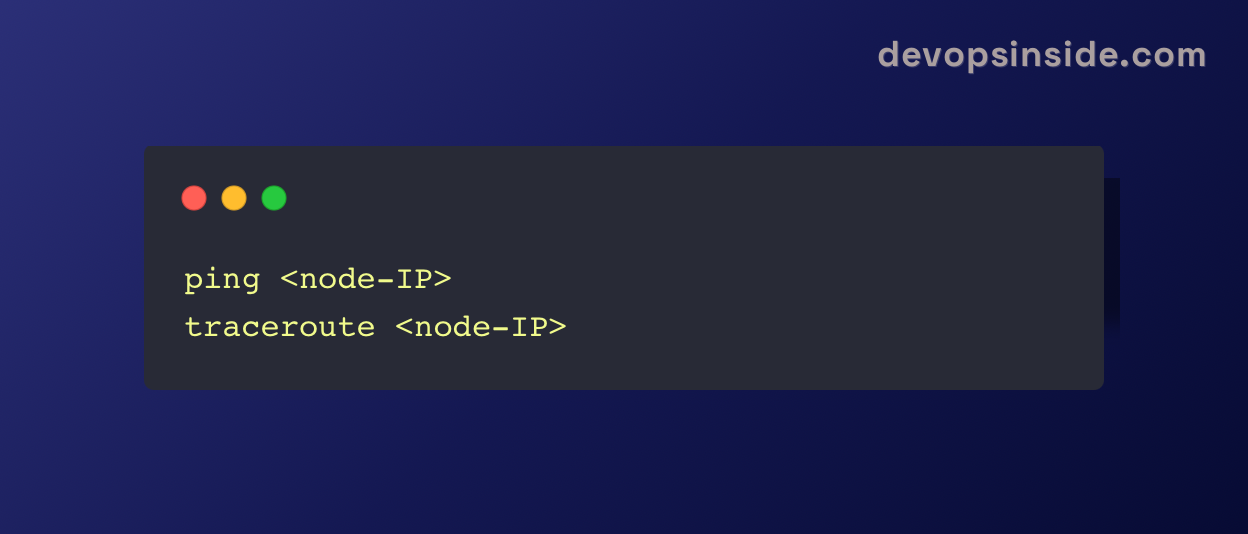
• Restart kube-proxy:
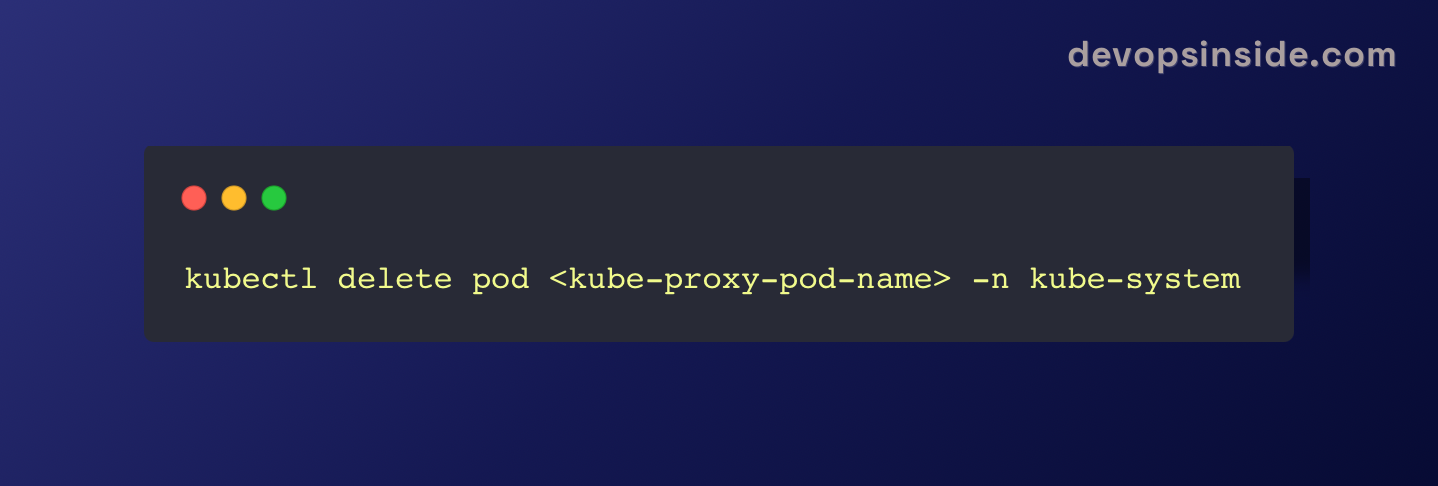
🎯 Final Thoughts:
Repairing a NotReady node is allabout being a Kubernetes detective.🕵️♀️ With somecareful steps, you can troubleshoot the problem and have your cluster runningagain.
The next time your node feelslikeitneeds a holiday, you'll be ready 🚀
Happy troubleshooting! 🎉
Kubernetes NotReady FAQ
Why is my Kubernetes node NotReady?
The Ready condition on the node carries the reason. Ready=False means the kubelet is reporting and says it is unhealthy - usually the container runtime or CNI. Ready=Unknown means the control plane stopped hearing from the kubelet, which points at networking, a dead kubelet, or an expired certificate.
What is the difference between Ready=False and Ready=Unknown?
Ready=False is the kubelet actively reporting a problem. Ready=Unknown means no report arrived at all: the kubelet stopped renewing its Lease and the control plane marked the node unknown after the node-monitor grace period, 40 seconds by default.
How do I fix a node stuck in NotReady?
Work in order: kubectl describe node for the condition and message, then on the node check 'systemctl status kubelet' and its journal, then the container runtime, then disk and inodes under /var/lib/kubelet. The condition message almost always names the category before you reach the node.
Why does DiskPressure make a node NotReady?
The kubelet enforces eviction thresholds - by default when nodefs.available falls under 10% or free inodes under 5%. Accumulated container images are the usual cause; 'crictl rmi --prune' reclaims that space, and journal logs are a frequent second offender.
My kubelet is running but the node is still NotReady. Why?
Most often the CNI never initialised. The condition message will contain NetworkReady=false with NetworkPluginNotReady. Check that the CNI DaemonSet pods are Running and that /etc/cni/net.d/ actually contains a config file.
Should I restart the kubelet or replace the node?
Restart the kubelet first - it is non-destructive and fixes transient faults. Replace the node when the same node fails repeatedly, or when you need capacity back quickly in a disposable cluster. Always cordon, drain, and capture the kubelet journal before deleting it.
When to Stop Debugging and Replace the Node
In a managed cluster with an autoscaler, replacing a node is frequently faster and safer than a long investigation — provided you drain it first so workloads move cleanly.
# Stop new pods landing there
kubectl cordon <node>

# Move existing workloads off
kubectl drain <node> --ignore-daemonsets --delete-emptydir-data --timeout=300s

# Once the node is healthy again
kubectl uncordon <node>
Capture the evidence before you delete it. A replaced node takes its logs with it, and if the cause was systemic it will recur on the replacement:
journalctl -u kubelet --since "1 hour ago" --no-pager > /tmp/kubelet-<node>.log
kubectl describe node <node> > /tmp/describe-<node>.txt
Replace the node when it is one of many and the cluster is disposable. Debug it when the same node keeps failing, when several nodes fail together, or when it is a control-plane node.
The Common Causes, and the Fix for Each
kubelet is dead or crash-looping
systemctl status kubelet
journalctl -u kubelet --since "15 min ago" --no-pager | grep -iE "error|fail|fatal"
systemctl restart kubelet
If it restarts and immediately dies again, the log line before the exit is the real cause — usually a malformed config, a missing CNI binary, or swap being enabled without failSwapOn: false.
DiskPressure: the image cache filled the disk
The kubelet evicts by default when nodefs.available drops below 10%, or free inodes below 5%. The usual culprit is accumulated images.
crictl rmi --prune                  # remove unused images
journalctl --vacuum-size=200M       # journal logs are a frequent second offender
du -sh /var/lib/containerd /var/log/pods | sort -h
The CNI never became ready
kubectl -n kube-system get pods -o wide | grep -Ei "calico|cilium|flannel|weave" | grep -v Running
ls /etc/cni/net.d/                  # a config file must exist here
ls /opt/cni/bin/                    # and the plugin binaries
An empty /etc/cni/net.d/ is the classic signature: the kubelet is fine, it just has no network plugin to hand pods to.
Expired kubelet certificate
Easy to miss because it appears suddenly on a node that ran for a year.
openssl x509 -in /var/lib/kubelet/pki/kubelet-client-current.pem -noout -enddate

# Pending CSRs waiting for approval
kubectl get csr | grep -i pending
With rotation enabled the kubelet requests a new certificate automatically, but the CSR still needs approving if auto-approval is not configured.
Memory or PID pressure
kubectl top node <node>
cat /proc/pressure/memory            # PSI - real stall time, not just usage
cat /proc/sys/kernel/pid_max
Note that high memory usage on Linux is normal and not itself a problem — page cache is reclaimable. Judge by PSI stall time and eviction events, not by a usage percentage.
The Diagnosis Sequence
Run these in order. Each step either explains the failure or rules out a whole category.
1. From the cluster
kubectl get nodes -o wide

# Conditions, with the reason and message
kubectl get node <node> -o jsonpath='{range .status.conditions[*]}{.type}={.status} {.reason}: {.message}{"\n"}{end}'

# Recent events for this node - often names the cause outright
kubectl get events --field-selector involvedObject.name=<node> --sort-by=.lastTimestamp | tail -20
2. On the node itself
systemctl status kubelet
journalctl -u kubelet -n 200 --no-pager | tail -50

# The runtime the kubelet talks to
systemctl status containerd     # or docker / cri-o
crictl info | head -20

# Disk and inodes - both trigger DiskPressure
df -h  /var/lib/kubelet /var/lib/containerd
df -i  /var/lib/kubelet
3. If Ready=Unknown, check the lease
The kubelet renews a Lease object roughly every 10 seconds. When the control plane stops seeing renewals for the node-monitor grace period (40 s by default), the node flips to Unknown.
kubectl -n kube-node-lease get lease <node> -o yaml | grep renewTimeA stale renewTime confirms the kubelet is not reaching the API server — a network path, firewall or certificate problem rather than a workload one.
Reading the Node Conditions
Every NotReady node carries a reason in its conditions. This is the whole diagnosis in one table.
| Condition | What it means | Where to look |
|---|---|---|
Ready=False | kubelet is reporting, and reporting unhealthy | kubelet logs, container runtime, CNI |
Ready=Unknown | Control plane has not heard from the kubelet | Node reachability, kubelet process, certificates |
MemoryPressure=True | Node is low on available memory | Workload requests/limits, evictions |
DiskPressure=True | Disk or inodes below the eviction threshold | Image cache, logs, volume growth |
PIDPressure=True | Too many processes on the node | Fork storms, missing pod PID limits |
NetworkUnavailable=True | CNI has not configured the node network | CNI DaemonSet pods |
The Ready=False message is usually explicit. A message containing NetworkReady=false and NetworkPluginNotReady means the kubelet is healthy but the CNI never came up — that is a CNI problem, not a node problem.