The Linux Files: 30 Things You Didn't Know About Linux (Part 5)
Think you know Linux? This post uncovers 30 surprising facts and hidden capabilities that even experienced users often miss.
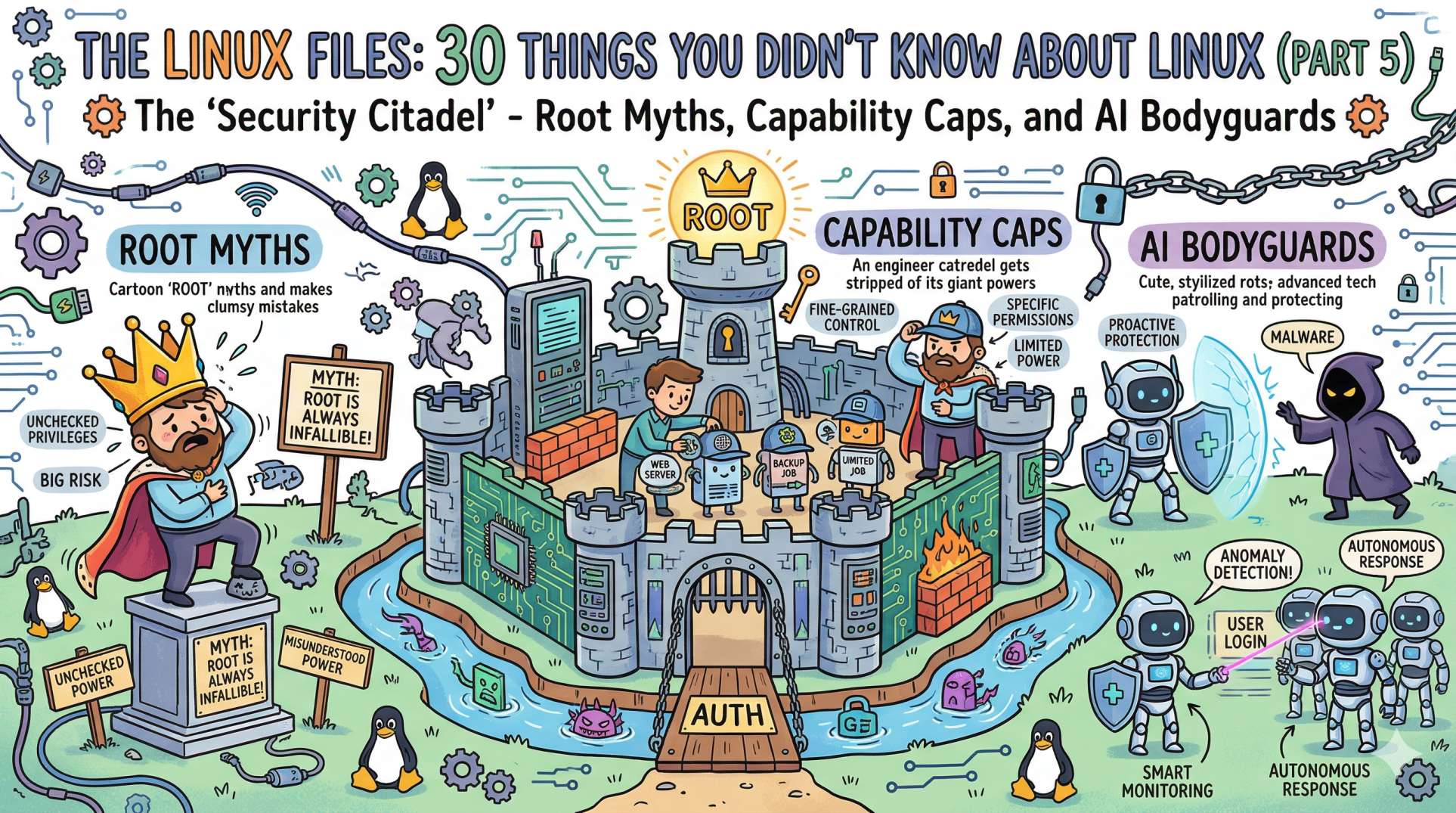
The "Security Citadel" - Root Myths, Capability Caps, and AI Bodyguards
We’ve survived the history, the isolation of containers, the network maze, and the ruthless OOM Killer in the memory vaults. Now, it’s time to talk about the Shields and Swords.
In Part 5, we are stepping into the "Security Citadel." This is where we learn how Linux protects itself from the outside world and from us. Because in DevOps, the most dangerous person in the system is often the engineer with root access and a deadline.
Here are the next 5 secrets from the security layer.
21. The "Root" is Not a User, It's an ID 🆔
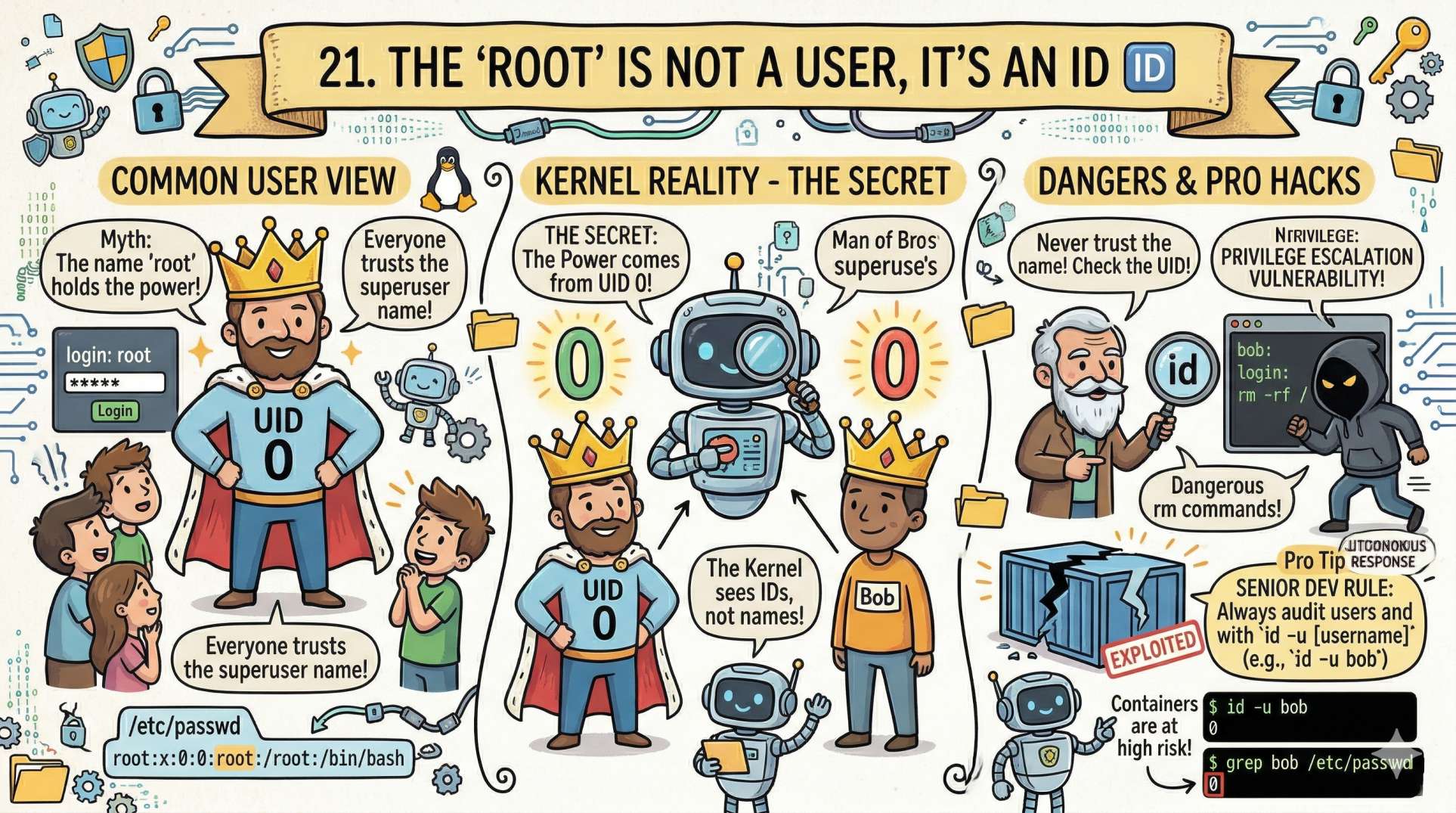
Most people think root is just a username. But in the Linux kernel's eyes, names don't matter; IDs do.
- The Secret: The power of root comes from User ID 0 (UID 0). If you create a user named "Bob" and set his UID to 0, Bob is now the superuser.
- The Senior Dev Insight: This is why you should never trust a system just because the login says something else. Always check the UID. In the world of containers, this is the root cause of many "privilege escalation" vulnerabilities.
22. Capabilities: Stripping the Superuser ✂️
For years, it was all or nothing: you were either a normal user (powerless) or root (god-like). This was a security disaster. Enter Linux Capabilities.
- The Secret: Capabilities break down the "powers" of root into small, individual pieces.
- The Pro Hack: Does your web server really need full root access just to bind to port 80? No. You can give it
CAP_NET_BIND_SERVICEonly. Now, if the server is hacked, the attacker doesn't have the power to delete your entire hard drive. It’s "Least Privilege" enforced by the kernel.
23. Sticky Bits: The "Digital Post-it" 📝
Have you ever wondered how the /tmp folder works? Anyone can write to it, but you can't delete someone else's files. This is thanks to a special permission called the Sticky Bit.
- The Secret: When the Sticky Bit is set on a directory (shown as a
tinls -l), only the file owner or root can rename or delete files within it. - DevOps Reality: Without the Sticky Bit, a malicious script in a shared environment could "hijack" temporary files used by other processes. It’s a 40-year-old trick that still saves us every day.
24. chmod 777 is a Confession of Defeat 🏳️
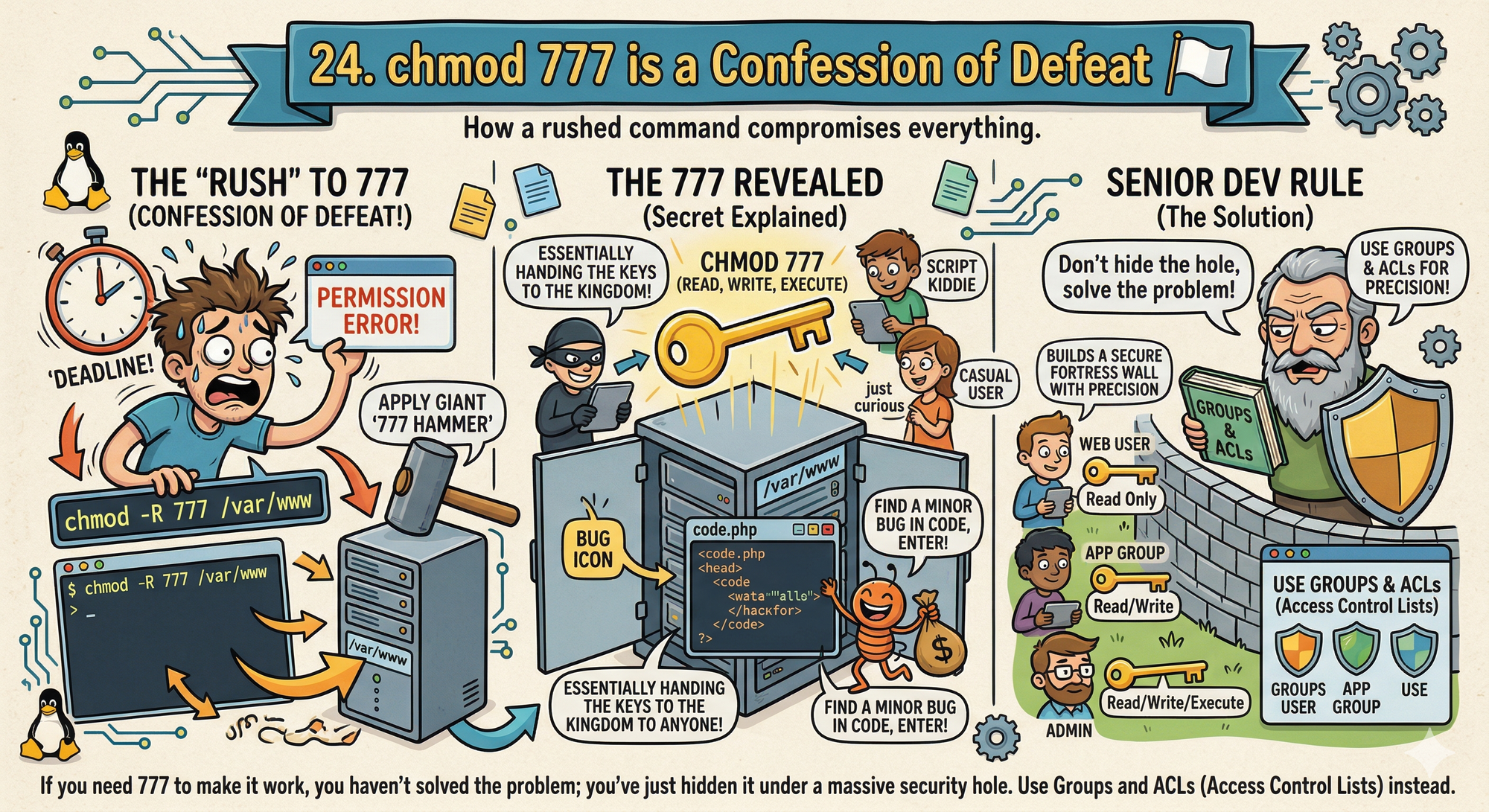
We’ve all done it. A permission error pops up, you’re in a rush, and you run chmod -R 777 /var/www.
- The Secret:
777means anyone on the system can read, write, and execute your files. In a production environment, this is essentially handing the keys to the kingdom to anyone who can find a minor bug in your code. - The Senior Dev Rule: If you need
777to make it work, you haven't solved the problem; you've just hidden it under a massive security hole. Use Groups and ACLs (Access Control Lists) instead.
25. setuid: Controlled Privilege Escalation ⚠️
How can a normal user change a password if /etc/shadow is restricted?
- The Secret: Some binaries run with the permissions of their owner, not the user.
- Example: /usr/bin/passwd
Even when you run it as a normal user, it executes with root privileges. - The Risk: If a setuid binary has a vulnerability, it becomes a direct path to full system access.
- The Pro Insight: Audit them using:
find / -perm -4000
This is one of the most common real-world privilege escalation vectors.
Looking Ahead to Final Part 6:
We are finishing the series with the "Ghost in the Machine." We’ll talk about Systemd, Signals, the Kernel Ring Buffer, and the ultimate AI-driven future of the Linux ecosystem.
💬 Quick Question: What’s the scariestchmodorchownmistake you’ve ever seen in production? (Don't worry, we won't tell your boss!)
Let us know in the comments!
“Root isn’t a right, it’s a responsibility. Use precision, not permission.”