The Linux Files: 30 Things You Didn't Know About Linux (Part 6)
Think you know Linux? This post uncovers 30 surprising facts and hidden capabilities that even experienced users often miss.
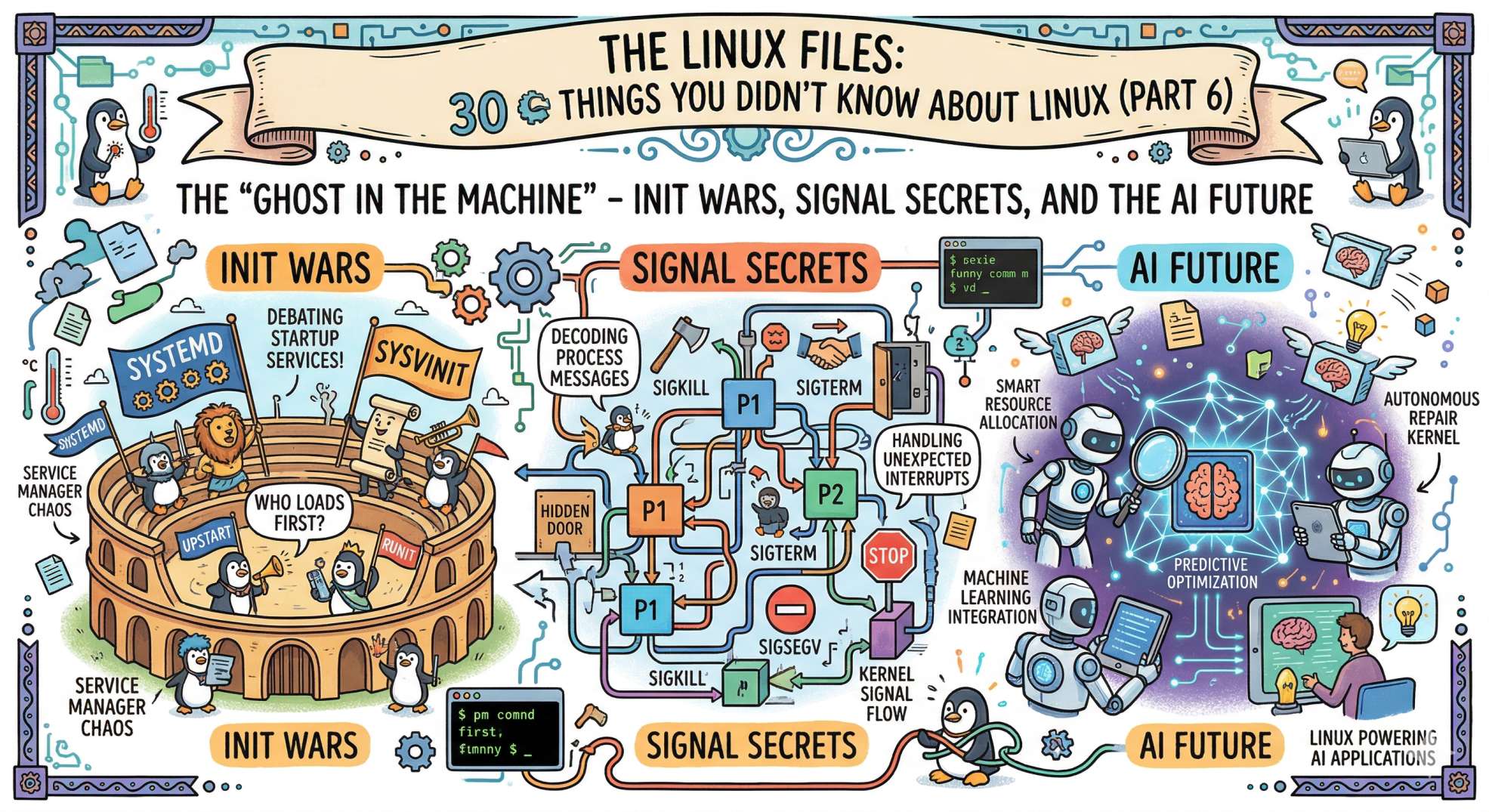
The "Ghost in the Machine" - Init Wars, Signal Secrets, and the AI Future
We’ve made it. We have climbed from the "Freax" basement, through the isolation wards and network nerves, and past the security citadel. Now, we reach the final layer: The Soul of the System.
In Part 6, we are looking at the "ghosts" that keep the machine running when no one is watching. This is about how Linux starts, how it communicates, and how AI is turning the kernel into a self-evolving organism.
Here are the final 5 secrets of the series.
26. PID 1: The "Parent of All" 👨👩👧👦
Every single process on your Linux system is a descendant of one "ancestor."
- The Secret: That ancestor is PID 1 (usually
systemdthese days). If PID 1 dies, the kernel panics and the entire system crashes. - The Senior Dev Insight: PID 1 has a special job: it "reaps" orphaned processes. If a parent process dies and leaves behind "Zombie" children (remember Part 2?), PID 1 adopts them and cleans up their mess. Without a healthy PID 1, your system slowly chokes on its own history.
27. The "Kernel Ring Buffer" (The Black Box) 📦
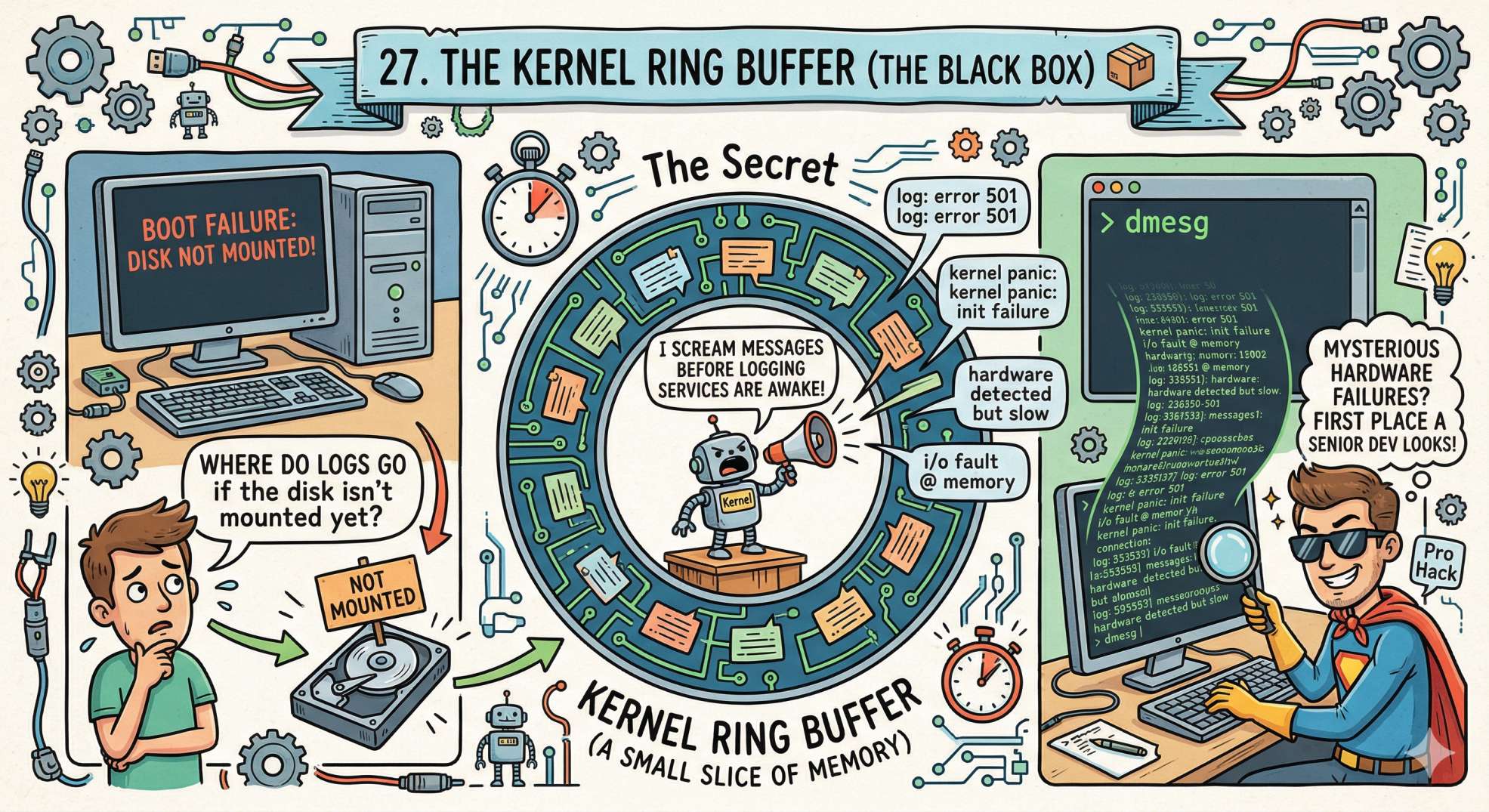
When a system won't boot, or a hardware device fails, where do the logs go if the disk isn't mounted yet?
- The Secret: They go to the Kernel Ring Buffer, a small slice of memory that the kernel uses to scream its messages before the logging services are even awake.
- The Pro Hack: You can read this "black box" anytime by typing
dmesg. It is the first place a Senior Dev looks when the "mysterious" hardware failures start happening.
28. Signals: The "Silent Shouts" 📢
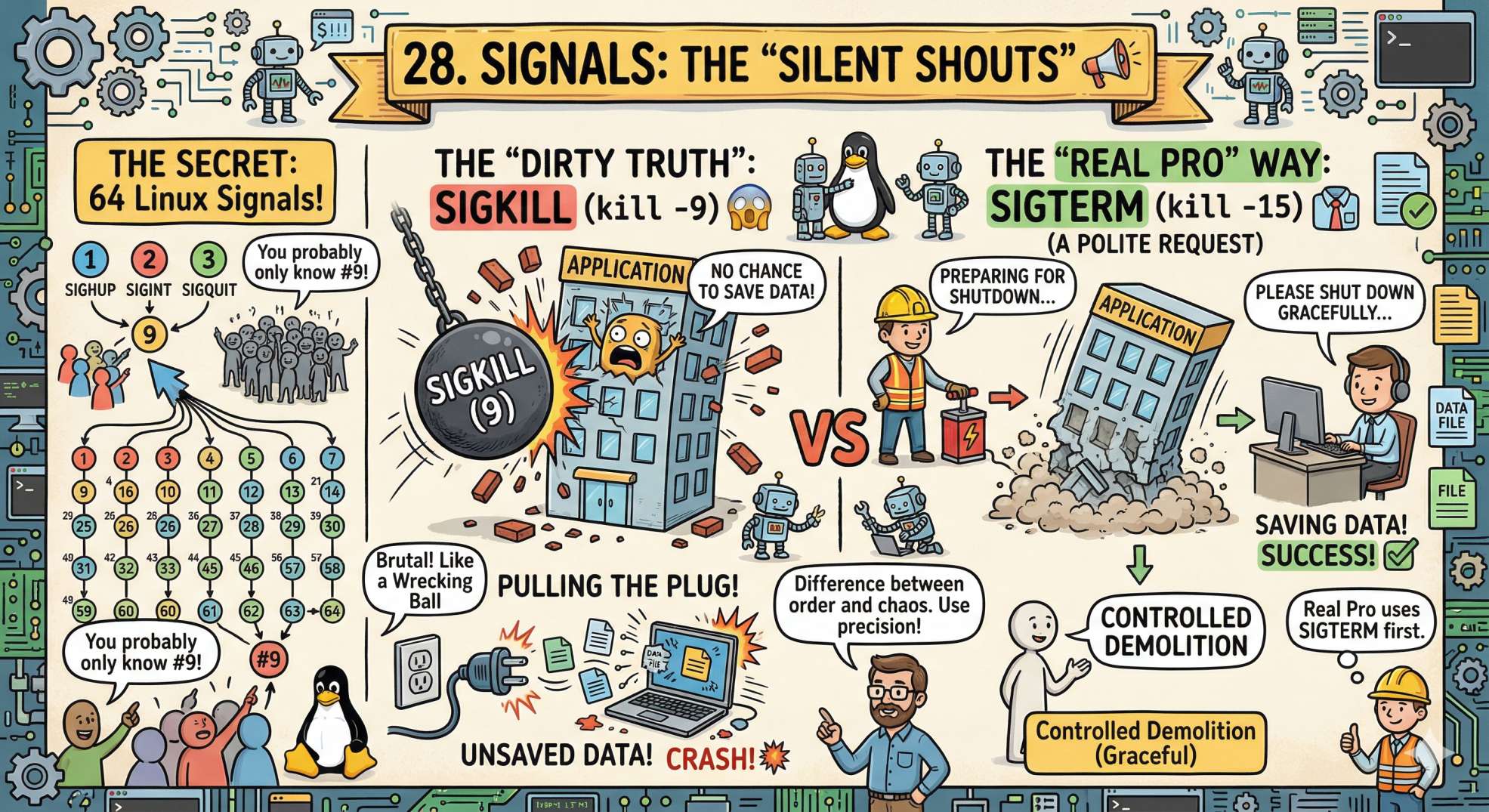
How do you tell a process to stop what it's doing? You send it a Signal.
- The Secret: There are 64 signals in Linux, but you probably only know
SIGKILL(9). - The "Dirty" Truth: Sending a
SIGKILL(kill -9) is like pulling the plug on a computer—it doesn't give the app a chance to save data. A real pro usesSIGTERM(15) first, which is a "polite" request to shut down gracefully. It’s the difference between a controlled demolition and a wrecking ball.
29. /proc/self: The Mirror 🪞
Did you know a process can look at itself in the "Linux mirror"?
- The Secret: The
/proc/selfdirectory is a "magic" link. Every process that accesses it sees its own unique information—its own environment variables, its own open files, and its own memory map. - DevOps Reality: This is incredibly useful for debugging containers. If you aren't sure what environment variables your app actually sees, just run
cat /proc/self/environinside the container. It never lies.
30. Load Average: The Most Misunderstood Metric 📊
You’ve seen it: load average: 2.15, 1.98, 1.75
But it’s not CPU usage.
- The Secret: Load average counts processes that are:
→ Running
→ Waiting for CPU
→ Waiting for I/O
- The Trap:
Load 4 on a 4-core system = fine
Load 4 on a 1-core system = overload - The Real Insight: High load + low CPU usage usually means:
→ Disk bottlenecks
→ I/O wait
→ Lock contention
Senior engineers read load, not just CPU.
💬 Quick Question: We’ve covered 30 things over 6 parts! Which one was your favorite? Did we miss a "secret" that you think every DevOps engineer should know?
Let us know in the comments!
What's Next?
The "Linux Files" may be closed for now, but the bridge is always under construction. Stay tuned to DevOps Inside as we continue to explore the cutting edge of engineering and the future of the cloud.
“Linux started as a hobby. Today, it runs the world. Master it, and you’re no longer using the cloud, you’re shaping it.”