The Linux Files: 30 Things You Didn't Know About Linux (Part 3)
Think you know Linux? This post uncovers 30 surprising facts and hidden capabilities that even experienced users often miss.
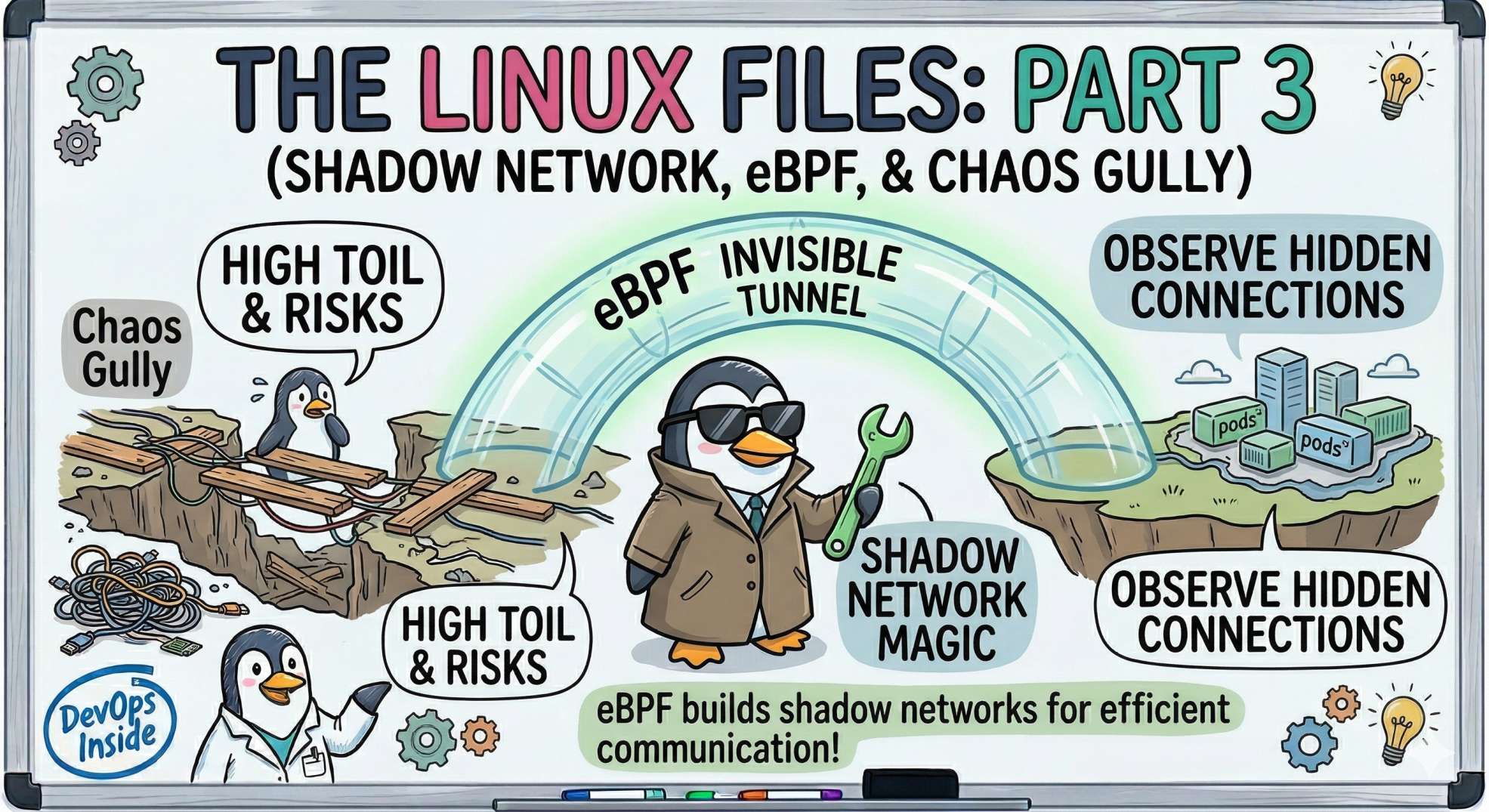
The "Nervous System" - Shadow Networks, eBPF, and AI Sentinels
In Part 2, we saw how Linux uses Namespaces and cGroups to create the "illusion" of containers. But isolation is useless if your services can't talk to each other.
In the cloud, networking is usually the first thing to break and the last thing to be understood. Today, I'm pulling back the curtain on how Linux handles the millions of packets flying through your clusters and how AI is finally making sense of the noise.
Here are the next 5 secrets from the nervous system.
11. The "Shadow" Network: eBPF 🕶️
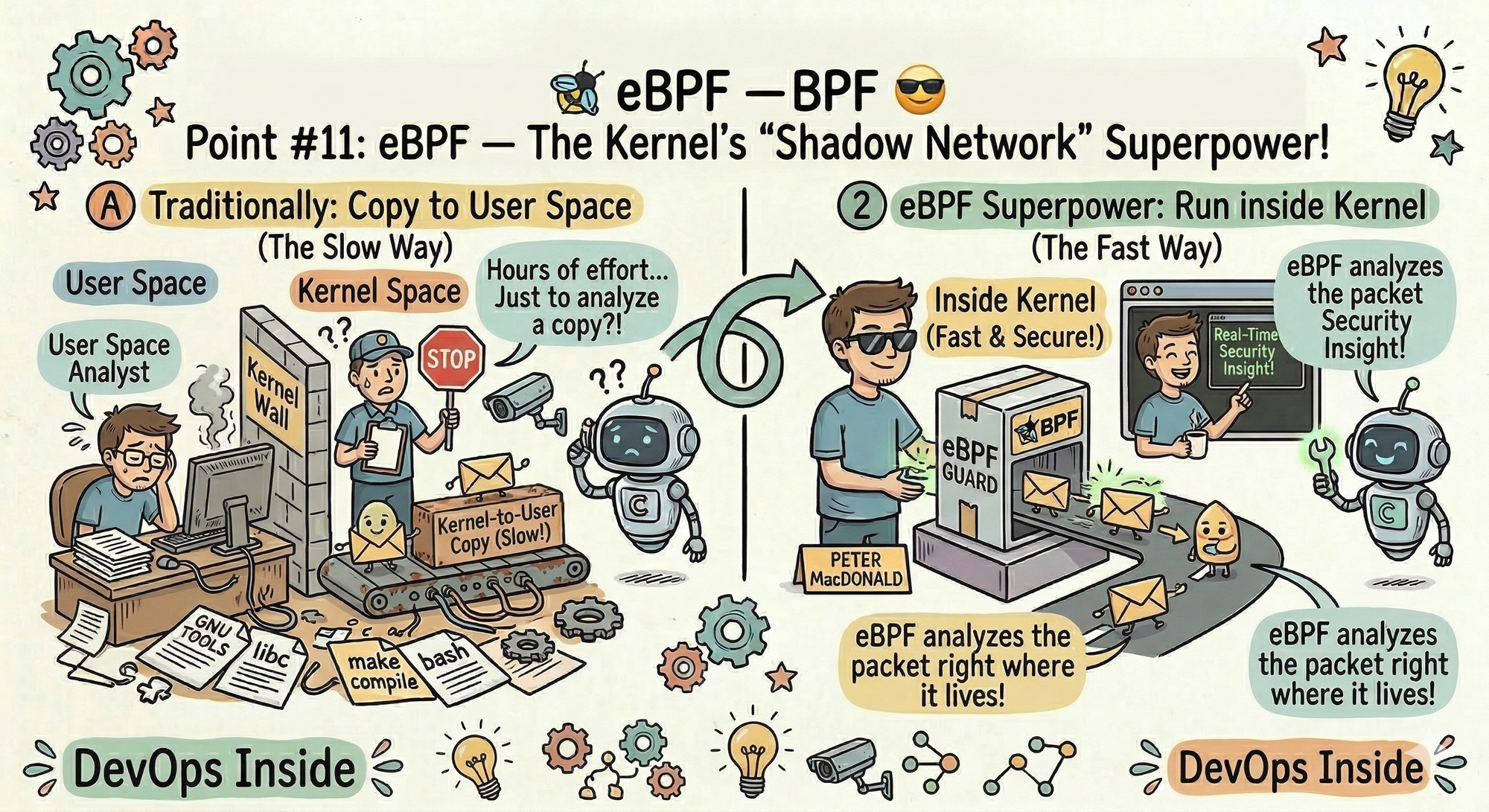
If you’ve heard of tools like Cilium or Falco, you’ve heard of eBPF. But what is it? Think of it as a "Superpower" for the kernel.
- The Secret: eBPF (Extended Berkeley Packet Filter) allows you to run small, secure programs inside the Linux kernel without changing the source code or restarting the machine.
- The Senior Dev Insight: Traditionally, to monitor a network packet, you had to copy it from "Kernel Space" to "User Space" (which is slow). With eBPF, you can analyze the packet right where it lives. It’s the difference between checking a security camera later and having a guard standing right behind the door.
12. /dev/tcp: The "Swiss Army Knife" of Bash 🛠️
Did you know Bash has a built-in way to talk to the internet without using curl or telnet?
- The Secret: Many Linux distributions have a virtual file system at
/dev/tcp/. You can open a socket just by writing to a "file." - The Pro Hack: Want to check if a port is open on a remote server?
timeout 1 bash -c "cat < /dev/tcp/google.com/80" && echo "Port Open"This is a life-saver for minimal Docker images that don't havecurlorncinstalled. It’s pure, raw Linux power.
13. The "Loopback" Secret (127.0.0.1 vs. localhost) 🏠
We use them interchangeably, but they aren't the same.
- The Secret:
127.0.0.1is an IP address;localhostis a name. Linux uses the/etc/hostsfile to map the name to the address. - The "Dirty" Truth: If a developer accidentally messes up the
/etc/hostsfile, your app might try to look forlocalhostvia DNS instead of staying inside the machine. This "Search Domain" lag is one of the most common reasons for "mysterious" 500ms latency spikes in production.
14. Promiscuous Mode: The Digital Eavesdropper 👂
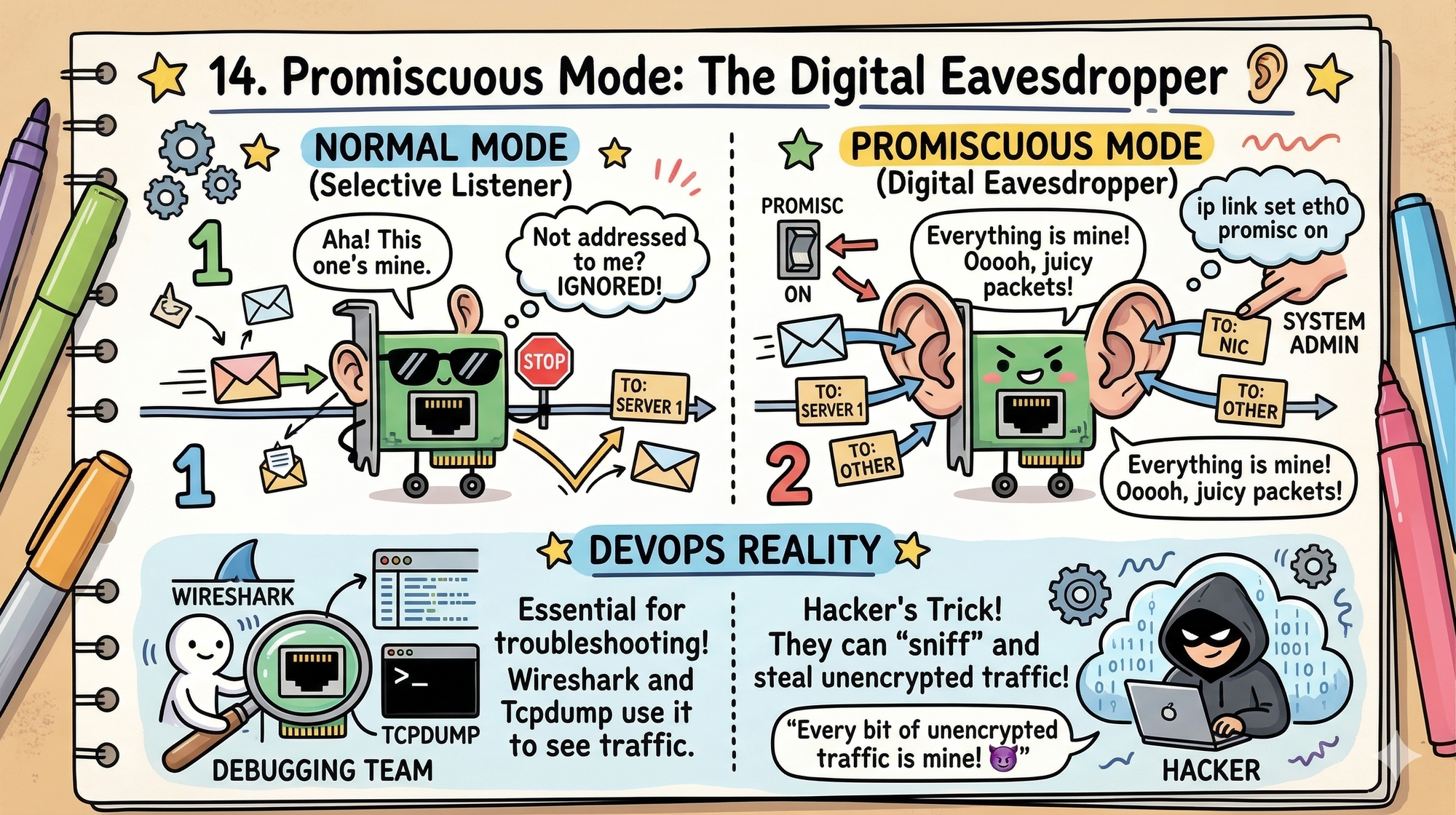
Normally, a network card only "listens" to packets addressed specifically to it. But there is a hidden setting called Promiscuous Mode.
- The Secret: When enabled (using
ip link set eth0 promisc on), the interface catches every packet passing through the wire, even if it's meant for someone else. - DevOps Reality: This is how tools like Wireshark or Tcpdump work. It’s essential for debugging, but if a hacker turns this on in your cluster, they can "sniff" every bit of unencrypted traffic.
15. TIME_WAIT: The Silent Connection Killer ⏳
Everything looks fine; CPU, memory, health checks.
But new connections start failing.
The Secret: When a TCP connection closes, Linux keeps it in TIME_WAIT to prevent packet corruption.
The Problem: Under load, thousands of connections pile up and exhaust available ports.
The Real-World Impact: Your system is “up,” but it literally cannot accept new traffic.
The Fix:
Tune:
net.ipv4.tcp_tw_reuse
net.ipv4.ip_local_port_range
This is one of those bugs that doesn’t show up clearly, but takes production down anyway.
Looking Ahead to Part 4: We’re moving from the wires to the Storage and Memory layers. We’ll talk about:
Virtual Memory, the OOM Killer (the kernel's "hitman"), and how AI is optimizing disk performance so you never have to see a "Disk Full" alert again.
💬 Quick Question: Have you ever used/dev/tcpto save a script, or are you acurlloyalist?
Let us know in the comments!
“CPU tells you the system is alive. The network tells you when it’s about to fail.”