Layer by Layer Into DevOps: The Roadmap Most Beginners Need (PART 2)
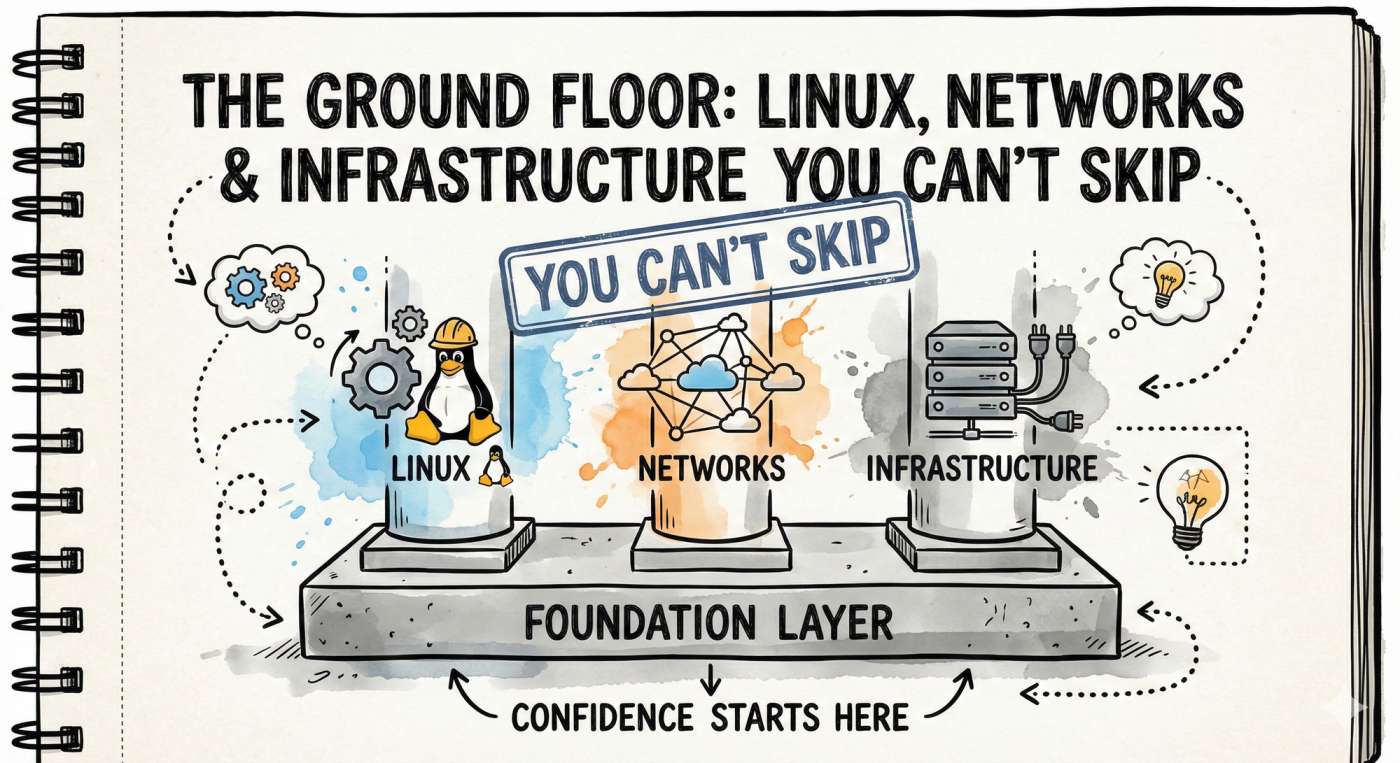
In this part, you’ll build the foundation: Linux, networking, and infrastructure fundamentals, the stuff that quietly explains most "mysterious" production failures.
Quick continuation before we dive in
In Part 1, we focused on what DevOps actually means (beyond tools), why culture matters, and how to use AI without turning your brain off. That’s the mindset layer.
If you haven’t read it yet, start there; it’ll make this part feel 10x clearer.
👉 Part 1: https://devopsinside.com/layer-by-layer-into-devops-the-roadmap-most-beginners-need-part-1/
In this part, you’ll build the foundation: Linux, networking, and infrastructure fundamentals; the stuff that quietly explains most “mysterious” production failures. 🧱
The Ground Floor: Linux, Networks & Infrastructure You Can’t Skip
The Foundation Layer, Linux + Networking + Infrastructure (Where DevOps Confidence Comes From)
A beginner mistake is trying to learn Kubernetes before understanding the ground it stands on. That usually ends in confusion, because many “Kubernetes problems” are actually Linux, networking, or permissions problems.
You don’t debug Kubernetes first.
You debug the system underneath it first.
🔹 Beginner misconception
“Kubernetes problems are Kubernetes problems.”
Reality: Many production issues originate from Linux permissions, networking, or infrastructure misconfiguration.
So in this part, you’re building the foundation that makes everything else easier.
1) Linux, the home of production🐧
Most production workloads live on Linux or behave like Linux systems.
What you should understand practically:
- Files and directories, where configs and logs live
- Users and permissions (why access breaks)
- Processes, services, system resource usage
- Package management basics
- SSH basics and secure access
- System logs and troubleshooting mindset
Example: Your app keeps failing to start. The real reason might be: it can’t read a config file because the permissions are wrong. That’s Linux + access control, not “app bug.” 😵💫
Linux is the stage where your applications perform; if the stage collapses, the show stops.
🔹 Try this (5 minutes)
On your system:
- Create a file
- Remove read permission
- Try accessing it
- Fix the permission
This small experiment teaches how access failures happen in production.
2) Terminal confidence, without being overwhelmed
You don’t need to be a Linux wizard. You need baseline control.
Ask yourself:
- Can I check if a service is running?
- Can I find logs when something fails?
- Can I understand permissions enough to fix access errors?
- Can I identify CPU, memory, and disk problems?
That’s enough to start.
🔹AI as a debugging companion for fundamentals
Another underrated use of AI at this stage is guided troubleshooting. When a command fails or a service refuses to start, you can paste the error and ask AI to explain what likely went wrong and what to check next. Over time, you’ll notice patterns and start debugging independently; AI simply shortens that feedback loop.
Think of AI here as a co-pilot for learning; helpful for direction, but you still hold the controls.
3) Infrastructure components, so you can talk like an engineer
When teams talk about infrastructure, they mean building blocks like:
- Networking: IPs, subnets, routing concepts, DNS
- Security: firewalls, certificates, identity/access
- Storage: performance basics, backup ideas, data stores
- Availability: failover, scaling, disaster recovery concepts
- Load balancing: L4 vs L7 (high-level understanding)
Why it matters: You’ll collaborate better. You’ll stop saying “it’s broken” and start saying “it fails when it tries to connect to X.”🎯
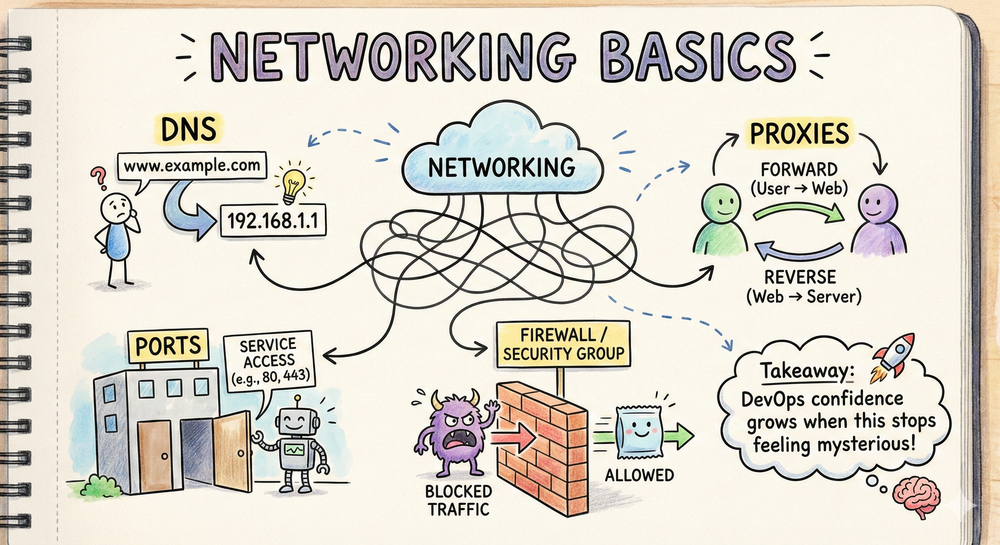
4) Networking basics that show up everywhere 🌐
You don’t need deep theory. You need practical understanding of:
- DNS: how names turn into addresses
- Ports: how services expose access
- Firewalls/security groups: what blocks traffic
- Proxies: forward vs reverse (concept level)
- Public vs private networks
Example: If your frontend loads but the API calls fail, the issue could be a blocked port or firewall rule not “React is broken.” 😄
Takeaway: DevOps confidence grows when Linux, networking, and infrastructure stop feeling mysterious.
5) Where beginners get stuck (and how to avoid it)
Common beginner traps:
- Learning only tools, skipping fundamentals
- Consuming tutorials without building anything
- Avoiding troubleshooting practice
A better approach: Learn just enough, then do small hands-on practice, then return to theory. DevOps skill grows through fixing things.🔁
Quick question: A website is down. What’s your first move: check logs, check DNS, check the service status, or check firewall rules? Pick one and explain your reason in one line.
Here’s the fun part.
This is where your code leaves your laptop and survives real traffic, real users, and real failures.
Cloud. Containers. Kubernetes. Observability.
Ready to see how everything fits together?
Jump to Part 3 → Building with cloud and modern DevOps tooling
👉 https://devopsinside.com/roadmap-2026-part-3